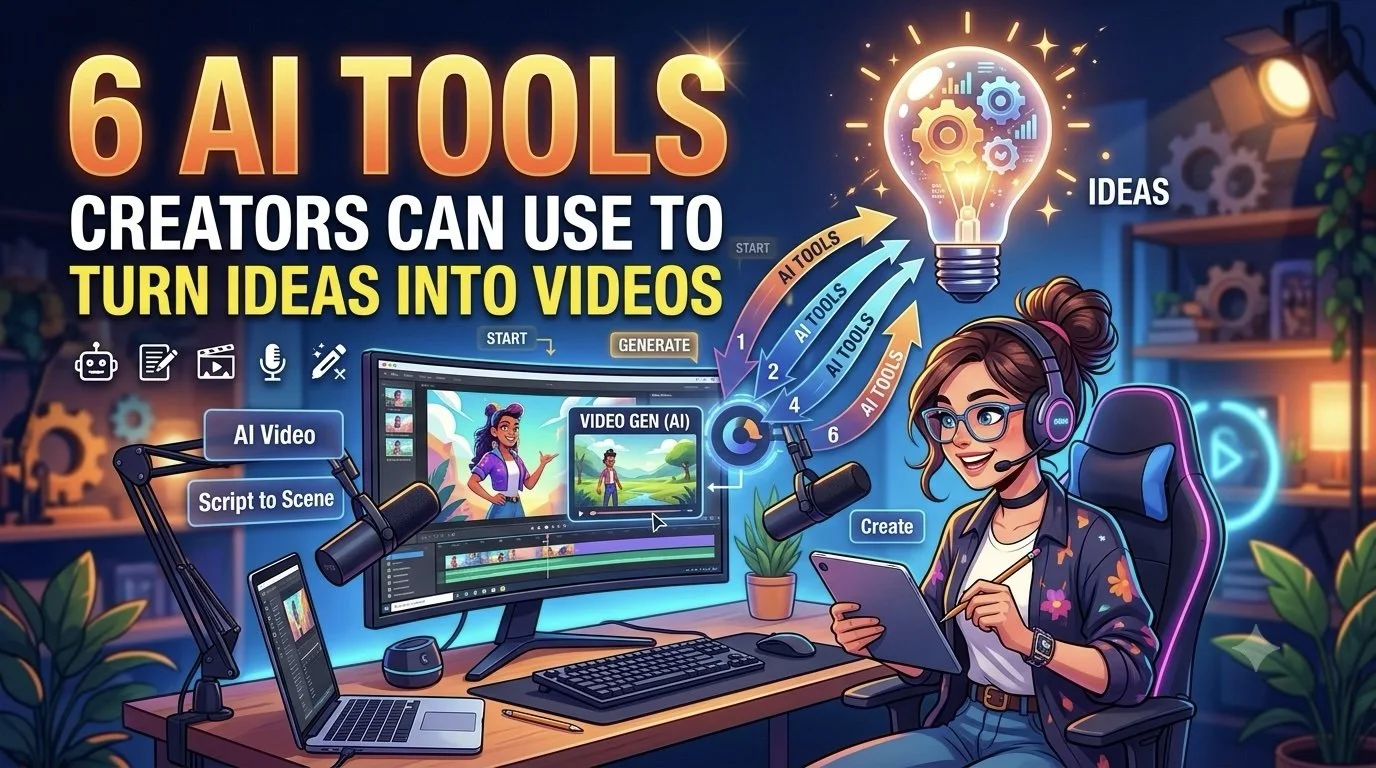
6 AI Tools Creators Can Use to Turn Ideas Into Videos
A video idea can arrive as a sentence, a rough voice note, a few reference images, or even a thought written down between other tasks. Turning that idea into something people can actually watch is where most of the work begins.
Creators have traditionally had to move through several stages: developing the concept, writing a script, finding visuals, recording audio, editing footage, and preparing the final version for a platform.
AI is changing that process. Instead of starting with a blank timeline, creators can begin with what they already have and use AI to develop it into a video.
The interesting shift is not simply faster video generation. It is the ability to move from an unfinished idea to a usable creative draft with fewer production steps in between.
What Makes an Idea Video-Ready?
Not every idea needs a finished script before production begins.
A creator might start with:
A topic they want to explain
A product they want to feature
A story concept
A trending subject
A collection of images
Existing footage
A short written brief
The right AI tool can help fill in the gaps and turn those raw inputs into something that can be edited, refined, and published.
6 Tools for Moving From Idea to Video
Each platform below takes a different approach to the creator workflow, from complete video production to animation, editing, and visual development.
1. Invideo agent
A creator does not always need to know exactly how the final video should look before getting started. Invideo agent can work from a simple idea, prompt, brief, script, or reference material and help develop it into a complete video.
The workflow can cover several production stages, including script development, visual selection, voiceovers, music, AI motion control, and editing. This means creators can spend less time jumping between separate production tasks.
Invideo agent has access to 200+ AI models, while its AI agents can take on creative roles such as director, scriptwriter, cinematographer, storyboard artist, and editor. With invideo agent two, project context can also remain connected as the idea develops into a finished video.
This makes it useful for creators who want to experiment with an idea quickly and then turn the strongest version into content for YouTube, social media, marketing, or other formats.
Pricing: Invideo offers Plus at $17/month, Max at $85/month, and Generative at $170/month.
2. CapCut
CapCut is useful for creators who already have an idea and want to turn it into short-form content quickly.
Its editing environment combines video editing with AI-assisted features for captions, effects, background removal, and other production tasks. Creators can start with raw footage and shape it into content suited to platforms such as TikTok, Instagram, and YouTube.
It is particularly useful when the creative idea already exists but the editing process is slowing down production.
Pricing: CapCut offers Pro at $20/month and collaborative workspace features at $25/month.
3. Runway
Runway gives creators a way to develop visual ideas that would be difficult or expensive to film traditionally.
A text description or image can become the starting point for generating video scenes. Creators can experiment with environments, subjects, camera movement, and different visual concepts before deciding which direction fits the original idea.
This makes it useful for storytelling, concept videos, music content, and other projects where visuals are central to the idea.
Pricing: Runway offers Standard at $15/month, Pro at $35/month, and Max at $95/month.
4. Pika
Pika works well for creators who want to turn a simple visual concept into a short, attention-grabbing sequence.
It can help transform images and prompts into animated clips and creative video effects. This gives creators a way to experiment with unusual transitions, transformations, and visual moments without building every effect manually.
For social content, these short sequences can also work as standalone posts or as visual elements inside a longer video.
Pricing: Pika offers Standard at $10/month, Pro at $35/month, and Fancy at $95/month.
5. Descript
Descript takes a different approach by treating video editing more like editing a document.
Creators can work with transcripts to cut spoken content, remove sections, and restructure recordings. AI features can also assist with tasks such as captions, cleanup, and content refinement.
This is especially useful for podcasters, educators, interview creators, and anyone whose ideas begin as conversations or recorded explanations.
Pricing: Descript offers Hobbyist at $24/month, Creator at $35/month, and Business at $65/month.
6. Leonardo AI
Leonardo AI can help creators develop the visual foundation of a video before moving into production.
A creator can use it to explore characters, environments, objects, scenes, and other imagery based on an initial concept. These visuals can then become references or assets for a broader video project.
This approach is useful for creators who have a story in mind but need help figuring out what the world, characters, or key scenes should look like.
Pricing: Leonardo AI offers Premium at $30/month and Ultimate at $60/month.
Start With the Roughest Version of the Idea
Creators often wait until an idea is fully developed before producing anything.
AI makes experimentation cheaper.
Write the basic concept first. Then turn it into a rough script, storyboard, visual sequence, or short draft. The first version does not need to be publishable.
Its job is to show whether the idea works.
Choose the Workflow Based on the Idea
Different ideas need different production approaches.
A talking-head concept may benefit from transcript-based editing. A fictional story may need generated scenes and characters. A product idea may work better as a demonstration.
The tool should follow the idea rather than forcing every concept into the same workflow.
Develop the Hook Before the Details
For short-form content, the opening can determine whether someone keeps watching.
Before spending time on transitions, music, or visual polish, figure out what makes the first few seconds worth watching.
That could be:
A question
An unexpected visual
A bold statement
A problem
A transformation
A quick demonstration
Once the hook works, the rest of the video has something to build around.
Turn One Idea Into Several Cuts
A strong idea does not have to produce only one video.
A longer concept can become a full video, several Shorts, a teaser, a behind-the-scenes clip, or a social post.
Creators can also test different openings and endings without recreating the entire project from scratch.
Keep Your Creative Decisions Human
AI can generate options, but creators still need to decide what feels right.
The pacing, humor, storytelling, visual choices, opinions, and personality are often what make a creator's content recognizable.
Use AI for the production work that slows you down, but keep the decisions that make the content feel like yours.
Review Before You Publish
AI-generated content still needs a final pass.
Check the script for accuracy, review visuals for mistakes, listen for unnatural audio, and make sure the final edit matches the intended message.
A few minutes of review can make the difference between a rough AI output and content that feels ready for an audience.
Final Thoughts
The biggest change AI brings to video creation is that creators no longer have to begin with a fully formed production plan.
An idea can become a rough script, visual concept, scene sequence, or finished draft much earlier in the creative process. Invideo agent can support that transition with AI agents and access to 200+ AI models, while CapCut focuses on editing, Runway on generated scenes, Pika on visual experimentation, Descript on transcript-based production, and Leonardo AI on visual development.
The tools are different, but the underlying opportunity is similar: start creating while the idea is still taking shape. That can give creators more room to experiment, test concepts, and discover which ideas are actually worth turning into finished videos.

![Project Spotlight: pifmgr.dll’s [M]ETAL✨ @pifmgr.dll is a digital artist working at the intersection of audiovisual design, 3D experimentation, and atmospheric world-building. His project [M]ETAL explores metal both as a physical material and a](https://images.squarespace-cdn.com/content/v1/63b2fdbe4376de5bfdc6771f/1779108338452-QO04Q3MMJ3VMU8PJV1MD/image-asset.jpeg)