7 AI Tools for Creators Making Cinematic Videos
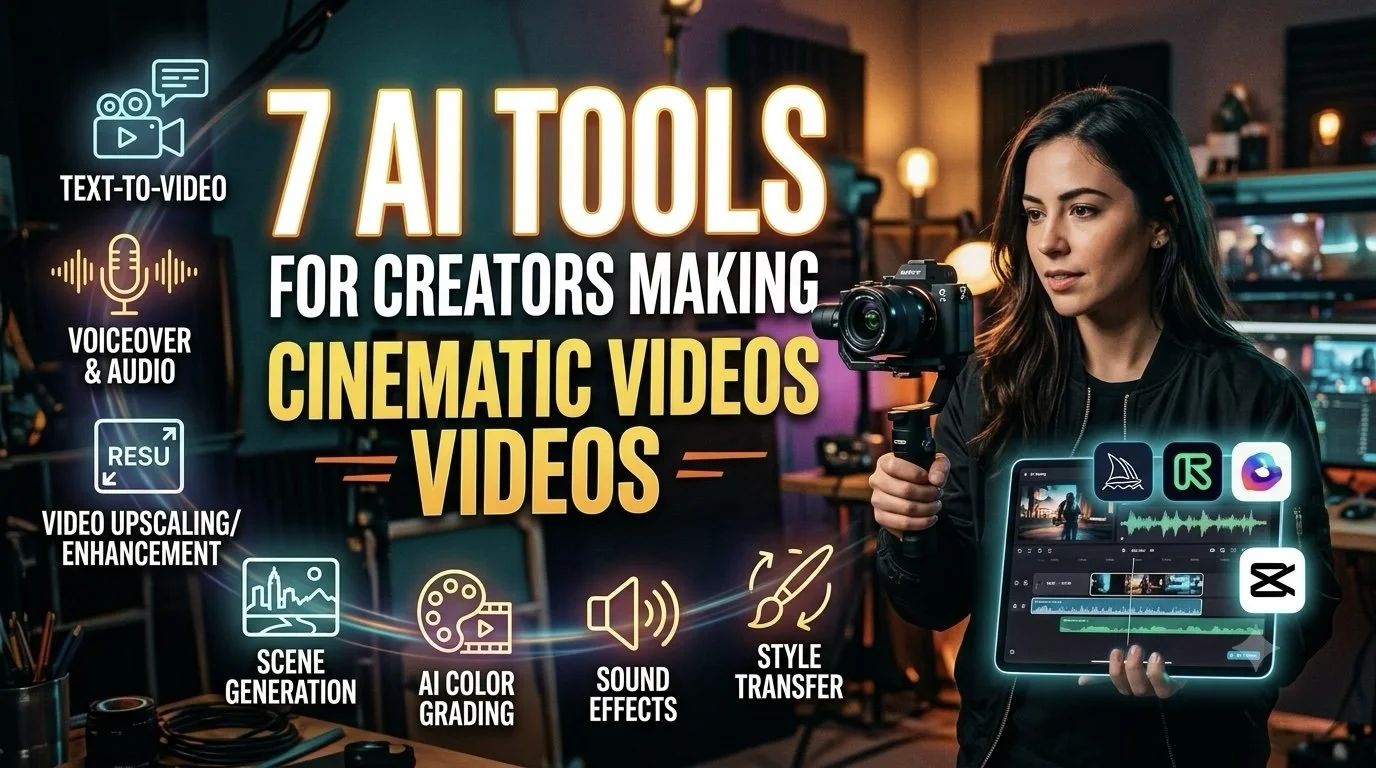
Cinematic video used to mean access to cameras, locations, lighting equipment, actors, and a production crew. For independent creators, that often meant choosing between a smaller production or a much larger budget.
AI is changing that equation.
Creators can now develop scenes, test visual directions, build characters, generate footage, and refine edits from a much smaller setup. The bigger change, however, is not simply that AI can produce cinematic-looking clips. It gives creators more freedom to experiment with the visual language of a project before committing to a final version.
That makes AI particularly useful for creators working on short films, music videos, travel stories, branded content, and narrative projects.
Think Like a Director, Not Just a Prompt Writer
A cinematic video needs more than visually impressive shots.
Creators still need to think about pacing, framing, story progression, character behavior, lighting, sound, and how individual shots connect.
AI tools can speed up production, but the creative direction still needs to come from the person behind the project.
7 AI Tools for Building Cinematic Videos
The following platforms take different approaches to cinematic creation, from complete video production to visual development, editing, and scene generation.
1. Invideo agent
A cinematic project can involve many separate production decisions before the final video is ready. Invideo agent brings several of those steps into one workflow.
Creators can begin with a story idea, script, reference material, or a simple description of what they want to make. The agent can then work across scripting, visuals, voiceovers, AI lip syncing, music, and editing to develop the idea into a complete video.
Invideo agent has access to 200+ AI models, giving creators flexibility when developing different visual and audio elements. Its AI agents can also take on roles such as director, scriptwriter, cinematographer, storyboard artist, and editor.
With invideo agent two, the workflow can retain project context as the video develops. This can help creators keep details such as characters, creative direction, and visual decisions connected across different scenes.
For independent creators, this can reduce the need to manage every production stage separately while leaving room to shape the creative direction.
Pricing: Invideo offers Plus at $17/month, Max at $85/month, and Generative at $170/month.
2. Runway
Runway is built around AI-generated video and gives creators a way to experiment with scenes before traditional production would begin.
Creators can use text prompts, images, and references to develop environments, characters, camera movements, and other visual elements. This can be useful for projects where a particular shot would be difficult to film or where several visual directions need to be tested.
It can also work as a supporting tool alongside traditional footage, giving creators another source of visual material for an edit.
Pricing: Runway offers Standard at $15/month, Pro at $35/month, and Max at $95/month.
3. LTX Studio
LTX Studio focuses more heavily on the filmmaking process behind the scenes.
Creators can use it to develop concepts, storyboards, characters, scenes, and sequences before building the final video. This gives filmmakers a way to map out how a story should unfold rather than generating isolated clips without a larger plan.
For short films and narrative projects, that planning layer can help connect individual shots to the broader story.
Pricing: LTX Studio offers Lite at $15/month, Standard at $35/month, and Pro at $125/month.
4. Krea
Krea is useful when the visual direction of a project is still being explored.
Creators can develop images, experiment with different visual treatments, and work through ideas before deciding on a final aesthetic. This can help with moodboards, environments, character concepts, and other elements that influence how a cinematic project looks.
The real-time nature of the platform also makes visual experimentation more immediate, which can be useful during the early stages of a project.
Pricing: Krea offers Pro at $35/month and Max at $105/month.
5. Pika
Pika is geared toward short AI-generated clips and visual experimentation.
Creators can use it to animate images, develop short sequences, and experiment with transformations and effects. These capabilities can be useful for adding unusual visual moments to a cinematic project.
Rather than generating an entire film through one platform, creators can use Pika for specific shots, transitions, or effects that would otherwise require additional production work.
Pricing: Pika offers Standard at $10/month, Pro at $35/month, and Fancy at $95/month.
6. Kaiber
Kaiber focuses on stylized visual creation, making it useful for projects where the look of the video is central to the storytelling.
Creators can work from images, text, or existing media to develop animated and stylized sequences. This can help turn a straightforward concept into something with a more defined visual identity.
It can be particularly useful for music videos, experimental films, and creative projects where the visual treatment carries as much importance as the narrative.
Pricing: Kaiber offers Creator at $29/month and Pro at $99/month.
7. Descript
Descript approaches video creation from the editing side rather than visual generation.
Its transcript-based workflow allows creators to edit spoken content by working with the text of a recording. AI-assisted features can also help with captions, audio cleanup, and other editing tasks.
For documentaries, interviews, video essays, and narrative projects built around dialogue, this can reduce the time spent making structural edits and cleaning up recordings.
Pricing: Descript offers Hobbyist at $24/month, Creator at $35/month, and Business at $65/month.
Build the Visual Language Before Generating Everything
Before creating dozens of shots, decide what the project should feel like.
Think about:
Lighting
Camera movement
Composition
Locations
Colour treatment
Character design
Pacing
Sound
These choices create a visual language that can guide the rest of the production.
Give Every Shot a Job
A cinematic video should not be a sequence of attractive images with no connection.
Ask what each shot contributes.
Does it establish the location? Introduce a character? Reveal information? Create tension? Show the product? Move the story forward?
If a shot does not serve the story or mood, it may not need to be there.
Use AI to Explore, Not Just Finish
One of the biggest advantages of AI is the ability to test ideas early.
A creator can generate several versions of a scene and compare different settings, camera angles, character designs, or moods before choosing a direction.
This makes experimentation part of the filmmaking process instead of something that happens only during pre-production.
Create Continuity Between Scenes
Cinematic storytelling depends on consistency.
Characters should look recognizable. Environments should make sense from one scene to the next. Props, clothing, lighting, and other details should not change without a reason.
Use references and project information wherever possible to give each generation the same creative foundation.
Let Sound Carry Part of the Story
Visuals get most of the attention in AI filmmaking, but sound can determine how a scene feels.
Music can establish pace. Ambient sound can make an environment feel present. Voiceover can provide context, while silence can create tension.
A well-edited sound layer can also help separate cinematic storytelling from a collection of generated clips.
Edit for Rhythm
Not every cinematic shot needs to stay on screen for several seconds.
Some moments work better as quick cuts. Others need time to establish an environment or allow the audience to notice a detail.
The edit should determine the rhythm of the story rather than letting the duration of generated clips dictate the final structure.
Final Thoughts
AI is giving independent creators more ways to approach cinematic production without starting with a full traditional film crew.
Invideo agent can connect multiple production stages while providing access to 200+ AI models and AI agents for creative roles. Runway and LTX Studio can support scene development and filmmaking workflows, while Krea, Pika, and Kaiber offer different approaches to visual experimentation. Descript brings AI assistance to the editing process.
The tools may handle different parts of production, but the creative principle remains the same: use technology to explore more possibilities, then use your own direction to decide what belongs in the final film.


![Project Spotlight: pifmgr.dll’s [M]ETAL✨ @pifmgr.dll is a digital artist working at the intersection of audiovisual design, 3D experimentation, and atmospheric world-building. His project [M]ETAL explores metal both as a physical material and a](https://images.squarespace-cdn.com/content/v1/63b2fdbe4376de5bfdc6771f/1779108338452-QO04Q3MMJ3VMU8PJV1MD/image-asset.jpeg)