How to Use AI for Social Media Video Creation
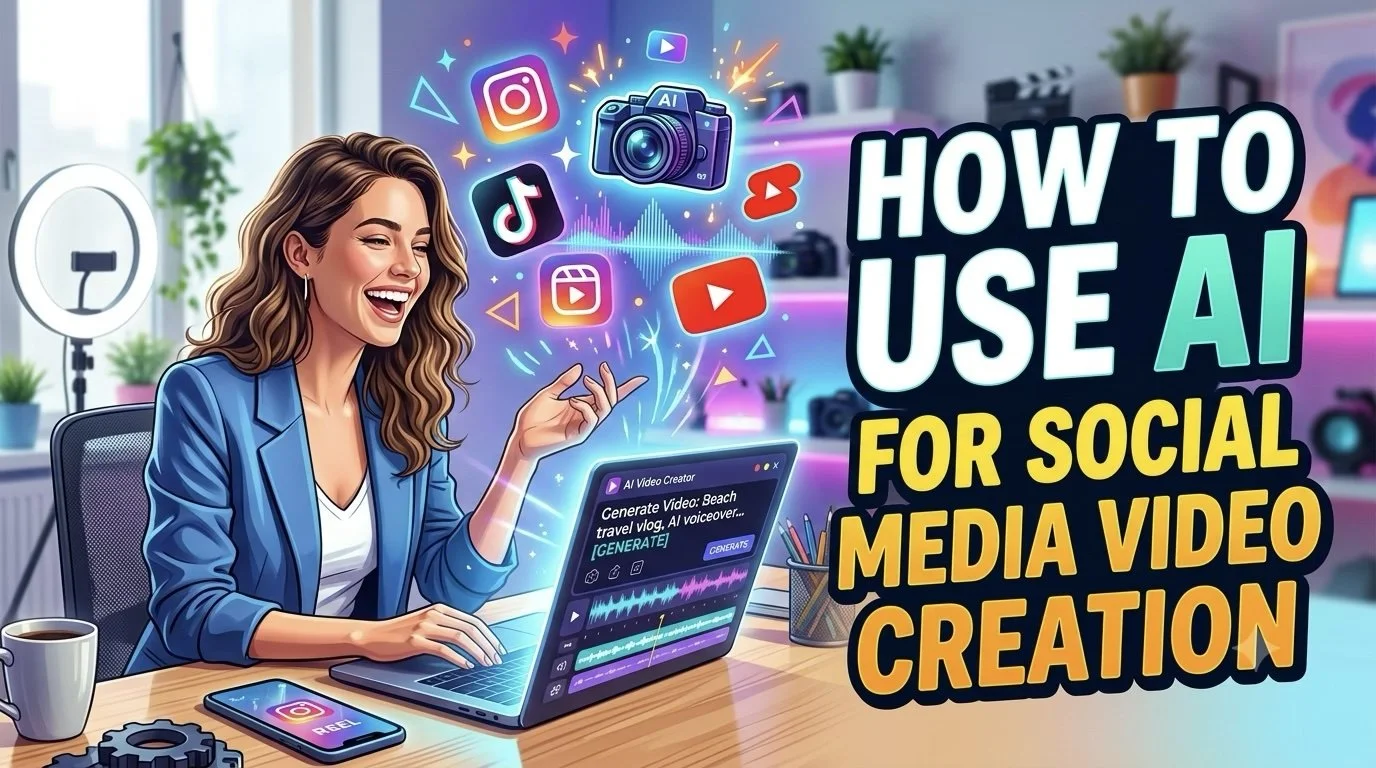
Social media has changed how people discover and consume video. A creator might need a short product clip for Instagram, a quick tutorial for YouTube Shorts, a trend-based video for TikTok, and several variations of the same idea for different audiences.
Producing all of that manually can quickly become a full-time editing job.
AI can help shorten the distance between an idea and a publishable video. But the best results usually come from using AI at the right points in the creative process rather than asking it to handle everything.
A practical workflow can combine AI for planning, scripting, visual creation, editing, repurposing, and testing while leaving the creative direction with the person making the content.
Start With the Content Goal
Before opening an AI video tool, decide what the video needs to achieve.
A social video might be designed to:
Introduce a product
Explain a concept
Answer a common question
Share a story
Promote an offer
Build awareness
Drive clicks
Generate engagement
The goal affects the structure, length, visuals, and call to action.
A tutorial, for example, needs a different approach from a product teaser even if both are only 30 seconds long.
Turn Rough Ideas Into Video Concepts
AI can be useful before video production even begins.
Give it a topic, audience, or rough idea and use it to explore possible hooks, angles, and structures. Instead of immediately creating one version, develop several concepts and decide which one has the strongest reason to exist.
For example, a fitness creator could start with the broad idea of "morning workouts" and develop several directions:
Educational: Three mistakes people make during morning workouts.
Story-driven: What changed after 30 days of exercising before work.
Quick tip: A five-minute routine for busy mornings.
The topic stays the same, but the content angle changes.
Use an AI Agent to Connect the Production Steps
Social video production often involves jumping between different tasks and applications.
Invideo agent can bring several of those production steps into one workflow. A creator can start with a prompt, concept, script, reference material, or campaign brief and develop it into a video.
The agent can work across scripting, visuals, voiceovers, music, and editing. It has access to 200+ AI models, while its AI agents can support creative roles such as director, scriptwriter, cinematographer, storyboard artist, and editor.
With Agent Two, the project context can remain connected as the video develops, helping preserve creative decisions across different parts of the production.
This is particularly useful when creators need to produce multiple social videos, including localized versions with AI video dubbing, without manually rebuilding the entire workflow for every post.
Build the Hook Before Polishing the Video
The first few seconds deserve more attention than most other parts of a short-form video.
Instead of beginning with a long introduction, get to the reason someone should keep watching.
Possible approaches include:
Start with a question
Show the result first
Introduce a problem
Challenge a common assumption
Present an unexpected visual
Promise a useful takeaway
AI can generate several opening options, but the creator should choose the one that fits the audience and platform.
Match the Format to the Platform
The same video does not always need to look identical everywhere.
Vertical video may be the natural format for TikTok, Instagram Reels, and YouTube Shorts, while other content may work better in landscape.
The platform can also influence pacing, caption placement, video length, and the amount of context needed.
Create the core idea once, then adapt the execution to each channel.
Generate Supporting Visuals
Not every social video needs original footage for every scene.
AI can help create supporting visuals for concepts that would otherwise require stock footage, photography, or additional filming.
This can include:
Background scenes
Product environments
Illustrations
Conceptual shots
Transitions
Visual metaphors
B-roll
The important part is making sure these visuals support the message instead of simply filling empty space.
Make Captions Part of the Design
Many social videos are watched without sound.
Captions therefore need to do more than transcribe the narration. They should be easy to read and positioned so they do not compete with important visual elements or platform interface controls.
Keep sentences short and highlight the information that matters most.
Turn Long Content Into Short Videos
Existing content can become a valuable source for social video ideas.
A webinar can produce several clips. A podcast can become short discussion videos. A long tutorial can be divided into individual tips.
AI-assisted editing can help identify useful sections and speed up the process of turning longer material into shorter pieces.
This gives creators a way to increase output without constantly developing completely new ideas.
Create Variations Instead of Repeating the Same Post
One idea can often support several versions.
Try changing:
The hook: Ask a question in one version and lead with a result in another.
The format: Turn the same information into a tutorial, list, or story.
The visual opening: Test different first shots.
The CTA: Ask viewers to comment, visit a page, save the post, or watch another video.
This creates more opportunities to learn which presentation works best.
Keep the Creator's Voice
AI can help with production, but social content still needs personality.
Your way of explaining something, sense of humor, opinions, experiences, and visual preferences can make the content recognizable.
Use AI to handle repetitive production tasks without letting it remove the characteristics that make the content feel like it came from a real creator.
Review Every AI-Generated Video
Before publishing, watch the video from beginning to end.
Check the narration for mistakes. Make sure visuals match what is being said. Look for strange transitions, inaccurate information, awkward captions, or anything that feels out of place.
A short review can prevent small AI errors from becoming public-facing problems.
Build a Repeatable Production Loop
Once you understand which steps work for your content, turn them into a repeatable system.
A simple workflow could look like:
Idea → Hook → Script → Visual direction → Production → Edit → Platform adaptation → Review → Publish → Analyze
The process can then be adjusted based on performance.
If videos are taking too long to produce, find the slowest step. If people leave early, revisit the opening. If one format consistently performs better, create more variations around it.
Use Performance Data to Guide the Next Video
AI can help with production, but audience behavior should influence what you make next.
Look at:
Watch time
Completion rate
Shares
Saves
Comments
Clicks
Follower growth
The purpose is not to chase every metric. Instead, identify patterns that can improve future creative decisions.
Final Thoughts
AI can make social media video creation faster, but its biggest value comes from connecting multiple parts of the process.
Invideo agent can take a rough idea and help turn it into a finished video while providing access to 200+ AI models and AI agents for different creative roles. From there, creators can use AI to develop hooks, generate supporting visuals, repurpose existing content, create platform-specific versions, and test different approaches.
The goal is not to publish as much content as possible. It is to build a workflow where good ideas move from concept to finished video with less repetitive work, leaving the creator more time to focus on the audience and the story.



![Project Spotlight: pifmgr.dll’s [M]ETAL✨ @pifmgr.dll is a digital artist working at the intersection of audiovisual design, 3D experimentation, and atmospheric world-building. His project [M]ETAL explores metal both as a physical material and a](https://images.squarespace-cdn.com/content/v1/63b2fdbe4376de5bfdc6771f/1779108338452-QO04Q3MMJ3VMU8PJV1MD/image-asset.jpeg)