By Brenner Smith
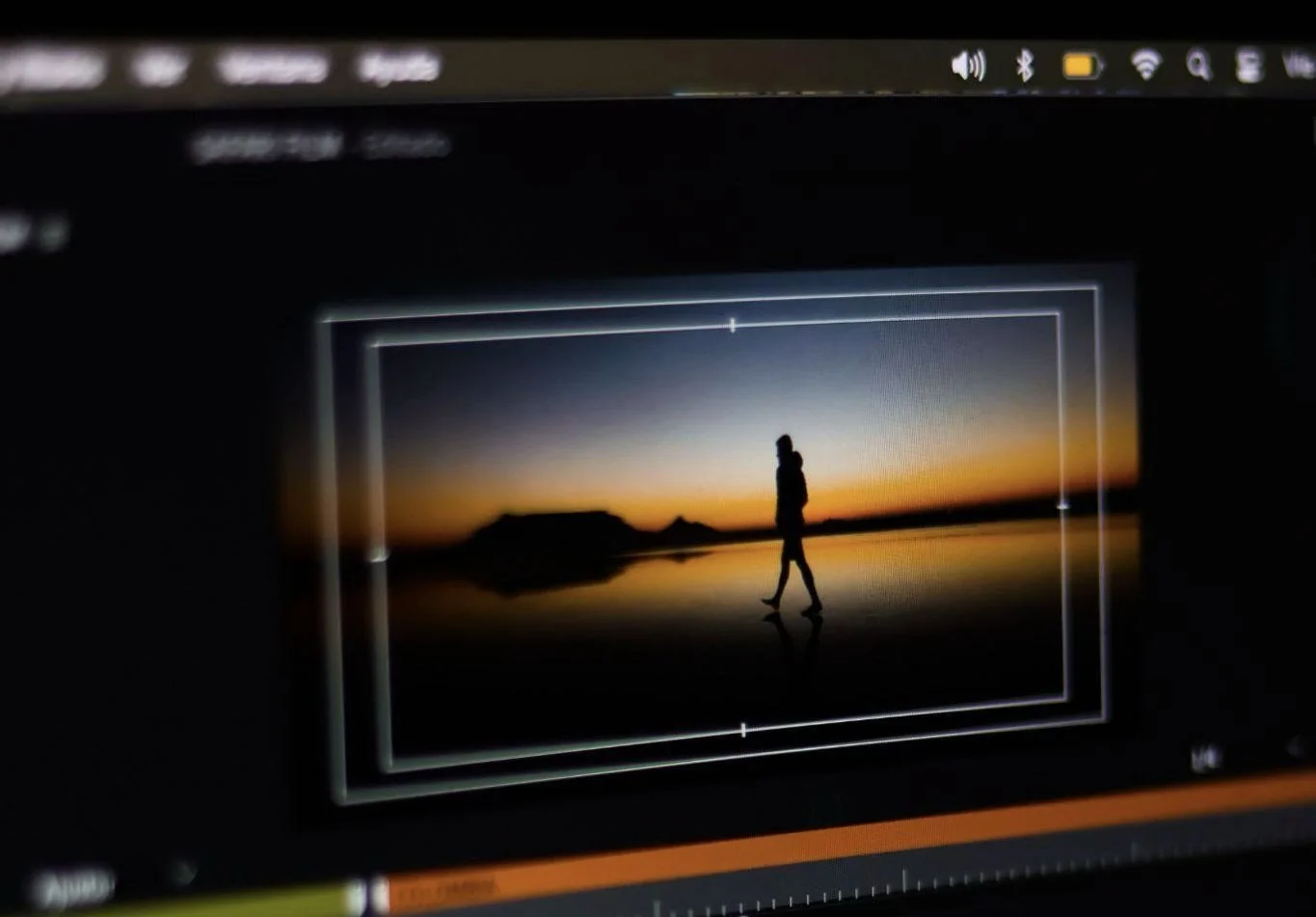
Photo by Fuka Jaz via Pexels
Digital artists do not always need a studio, a large set, or expensive production equipment to make interesting video art. Sometimes the strongest material is already around them. A reflection in a shop window, shadows moving across a wall, people crossing a street, steam rising from a cup, rain on glass, or the rhythm of escalators in a station can all become raw visual material.
The difference is in how the artist looks at it. Everyday footage may seem ordinary at first, but when it is framed, edited, layered, slowed down, repeated, or combined with sound, it can become something more expressive. Video art often begins with noticing. The camera catches a small moment, and the artist gives that moment a new meaning through editing.
This makes everyday footage useful for both beginners and experienced digital artists. It is accessible, flexible, and personal. You can record your own surroundings, build a library of visual textures, and turn small observations into original artwork over time.
Why Everyday Footage Works Well for Video Art
Everyday footage works because it already carries a sense of place and life. It does not feel too perfect. It has movement, noise, interruptions, mistakes, light changes, and small details that can make the final artwork feel human.
A polished commercial video usually tries to remove imperfections. Video art can use them. A shaky frame, a blurred reflection, a passing shadow, or an accidental sound can add feeling. These details can make the work feel more honest and less controlled.
The Tate describes video art as art that uses video or audio data and relies on moving pictures, noting that the arrival of video gave artists more freedom to record outside traditional gallery settings. Their short guide to video art is a helpful starting point for understanding how moving images became an artistic medium.
For digital artists today, that same freedom is even wider. A phone, small camera, wearable device, or screen recording tool can capture material almost anywhere. The important question is not only what the footage shows. It is what the artist can do with it afterward.
Start by Collecting Visual Notes
Many artists keep sketchbooks. Video artists can keep visual notebooks too. Instead of waiting for a perfect project idea, record short clips whenever you notice something interesting.
These clips do not need to be long. Five to fifteen seconds can be enough. A short clip of light moving across a table, a train passing behind a fence, or a reflection in a puddle may become useful later.
Think of each clip as a visual note. You may not know exactly how you will use it when you record it. That is fine. Over time, you build a personal archive of movement, colour, shape, and texture.
Organize the clips in a simple way. You can create folders for reflections, shadows, crowds, water, screens, hands, roads, plants, interiors, or night lights. This makes it easier to find material when a project idea appears.
Look for Movement Instead of Objects
When people first start filming, they often focus on objects. They point the camera at a building, a chair, a person, or a product. For video art, movement can be more important than the object itself.
Look at how things change over time. Watch how curtains move in the wind, how people slow down at a crossing, how sunlight shifts during the afternoon, or how a sign flickers at night. These small movements can create rhythm.
Movement can also come from the camera. Walking, turning, tilting, zooming, or changing focus can make an ordinary place feel different. A hallway can feel calm, tense, confusing, or dreamlike depending on how the camera moves through it.
Try filming the same subject in several ways. Stand still for one version. Walk past it for another. Film it close up, then from a distance. Later, compare the feeling of each clip. The subject may be the same, but the mood will change.
Capture Reflections, Shadows, and Everyday Scenes
Reflections and shadows are especially useful for digital artists because they already distort reality. They turn simple scenes into layers. A window can show the street outside and the room inside at the same time. A puddle can flip buildings upside down. A shadow can suggest a person without showing them directly.
Everyday scenes also become more interesting when they are recorded from unusual angles. Film through glass, from the ground, behind fabric, inside a moving car, or through a half open door. Small changes in viewpoint can make familiar places feel strange or poetic.
Wearable tools can help when the artist wants to record while moving naturally through a space. For example, AI glasses can capture movement, reflections, and everyday scenes from the artist's own point of view, giving them raw footage that can later be edited into original artwork. This works especially well for walking studies, street scenes, travel diaries, studio process videos, and projects about memory or daily routine.
The goal is not to record everything. It is to notice what has visual potential. A reflection is useful if it creates contrast. A shadow is useful if it changes shape. A street scene is useful if it has rhythm, tension, colour, or a small moment that feels worth returning to.
Record With Editing in Mind
Good footage is easier to edit when it gives you options. Try to record a few seconds before and after the moment you want. This gives you room to cut cleanly later.
Keep some shots steady. Even if you like experimental movement, steady clips are useful for layering, masking, and slowing down. They give the eye a place to rest.
Also record variety. Capture wide shots, close shots, details, textures, and transitions. A wide shot can establish the place. A close shot can bring attention to a surface or gesture. A texture shot can become a background layer. A transition shot can help connect two scenes.
If sound matters, listen before recording. Everyday sound can be powerful in video art. Footsteps, traffic, wind, water, machines, voices, and room tone can all shape the final piece. Even if you plan to replace the sound later, original audio can give you ideas for rhythm.
Use Editing to Change Meaning
Editing is where ordinary footage starts to become art. The same clip can feel calm, strange, funny, lonely, fast, heavy, or dreamlike depending on how it is edited.
Start with simple changes. Slow the footage down. Speed it up. Reverse it. Repeat a short moment several times. Cut between similar shapes in different places. Match movement from one clip to another.
Repetition can make small actions feel important. A door opening once may be ordinary. A door opening again and again may feel symbolic. A reflection passing across a face may become more emotional when slowed down. A crowded street may feel abstract when cut into quick fragments.
Try editing for rhythm before story. Video art does not always need a clear plot. It may work through mood, pattern, memory, contrast, or sound. Ask what the footage feels like, not only what it shows.
Layer Clips to Create New Images
Layering is one of the most useful techniques for turning everyday footage into original visual work. You can place one clip over another, adjust opacity, change blending modes, or mask parts of the frame.
A clip of clouds can be layered over a building. A moving crowd can appear inside a silhouette. Water reflections can be blended with city lights. A close up of fabric can become a moving texture behind a portrait.
Layering lets artists create images that did not exist in the real world. The footage starts as documentation, but the final result becomes constructed. This is where digital video begins to feel closer to painting, collage, or installation.
Do not overcomplicate every frame. Too many layers can make the work muddy. Start with two clips and ask whether they create a stronger idea together. If not, remove one. Good video art often comes from careful choices, not endless effects.
Work With Colour and Light
Colour can completely change the feeling of everyday footage. A normal street can feel warm and nostalgic with soft gold tones. It can feel cold and distant with blue shadows. It can feel artificial with high contrast and bright saturation.
Before applying strong effects, look at the colours already present. Maybe the footage has repeated reds from traffic lights, signs, and clothing. Maybe there are soft greens from plants and reflections. Maybe the clip is mostly grey, but one bright object pulls the eye.
Use colour grading to support the mood. Keep it gentle if the footage already has a strong atmosphere. Push it further if you want a more abstract or dreamlike result.
Light is just as important. Harsh light can create sharp shapes and strong contrast. Soft light can make movement feel slower. Night footage can turn ordinary streets into fields of colour and glow.
Add Sound With Intention
Sound can make everyday footage feel completely different. A quiet clip of a hallway may feel peaceful with soft room tone, tense with low sound, or emotional with distant voices.
You can use the original sound from the footage, record separate sounds, create digital audio, or mix several layers together. The sound does not need to explain the image. It can support, interrupt, or question it.
For example, footage of a busy street paired with silence can make the scene feel detached. A close up of water paired with mechanical sound can create contrast. A repeated footstep can become a rhythm track.
Be careful with music. Music can be powerful, but it can also make the work feel like a normal social media edit if it is too familiar or too emotional. Sometimes small sounds, repeated noises, or ambient recordings are more effective.
Turn Mistakes Into Material
Some of the best video art comes from mistakes. A camera shake, exposure shift, focus blur, light leak, compression glitch, or accidental reflection can open a new direction.
Instead of deleting every imperfect clip, review them first. Ask whether the mistake creates an interesting texture, mood, or transition. A blurred clip may work as a dream sequence. A shaky shot may express anxiety. A screen glitch may become part of a digital collage.
Digital artists can also create controlled mistakes. They can distort footage, break colour channels, duplicate frames, add noise, or export a clip in a way that changes its texture. These choices can make the work feel more handmade and less clean.
The important thing is intention. A mistake becomes art when the artist notices its value and shapes it into the final work.
Build a Short Study Before a Larger Piece
If you have many clips, do not try to make a large artwork immediately. Start with a short study. Choose three to five clips and make a piece that is thirty seconds to one minute long.
This helps you test the idea quickly. You can explore a mood, a movement pattern, or a colour relationship without becoming overwhelmed. If the study feels strong, you can expand it later.
Short studies also help artists improve faster. Each one teaches something about timing, rhythm, sound, colour, or composition. Over time, these small experiments can become a strong body of work.
Keep old studies even if they are not perfect. They may contain ideas you can return to later. A failed edit today may become useful when combined with new footage months later.
Think About Where the Work Will Live
Video art can appear in many places. It may be shown on a phone, projected on a wall, displayed on a gallery screen, shared on social media, included in a website, or used as part of a live performance.
The final format affects how you edit. A piece for a phone can use vertical framing and small details. A projection may need stronger contrast and slower movement. A gallery screen may invite longer viewing. A social platform may need a stronger opening to stop someone from scrolling.
Think about the viewing experience early. Will people watch with sound? Will they stand still or pass by? Will the video loop? Will it be seen alone or beside other works?
If the piece will loop, make the ending connect smoothly to the beginning. If it will be projected, test how the colours look at a larger size. If it will be viewed online, export versions that keep the image clear without making the file too large.
Respect Privacy and Public Space
Everyday footage often includes other people. That can bring life to the work, but it also brings responsibility. Artists should think carefully before filming faces, private conversations, homes, workplaces, children, or sensitive locations.
In public spaces, laws and expectations can vary. Even when filming is allowed, it may not always be respectful to use someone's image in an artwork. If a person is clearly identifiable and central to the piece, ask for permission when possible.
You can also protect privacy through editing. Use distance, silhouettes, reflections, motion blur, cropping, or abstraction. These choices can make the work stronger visually while reducing personal exposure.
Being careful does not weaken the artwork. It often makes the artist more thoughtful. The best everyday footage respects the world it comes from.
Final Thoughts
Everyday footage can become powerful video art when an artist pays attention to movement, light, rhythm, sound, and small visual details. A simple walk, a window reflection, a shadow, or a passing moment can become the start of something original.
The process is not only about recording. It is about collecting visual notes, choosing strong moments, editing with purpose, layering images, shaping sound, and deciding how the work should be seen.
Digital artists have more tools than ever, but the most important skill is still observation. When you learn to see ordinary scenes as raw material, the world becomes a moving archive. The artwork begins before the edit, in the moment you notice something others might pass by.