Most caption tools promise accuracy but fall apart the moment someone speaks fast, switches languages, or uses an accent the AI wasn't trained on. If you've been relying on Submagic and hitting those walls, the search for Submagic alternatives for video captions becomes very real, very fast. Solid transcription accuracy across accents, captions that look sharp enough to match fast-cut edits, and multi-language support for global reach are genuinely hard problems to solve. After reviewing dozens of tools across all these dimensions, this guide covers the seven best options worth your attention.
The shortlist methodology
Tools were assessed using publicly available data from review platforms, case studies, and official product pages, with only those showing a proven track record in video editing software making the cut.
Compare the Top 7 Submagic Alternatives for Video Captions
Note: All data in this table is sourced from review platforms and the official websites of the listed companies.
| Company Name | Headquartered In |
|---|---|
| ZapCap | Sydney, Australia |
| CapCut | Singapore |
| Kapwing | San Francisco, CA |
| Maestra | New York City, United States |
| Descript | San Francisco, CA |
| Vizard | Palo Alto, California |
| Choppity | Durham, United Kingdom |
ZapCap - Best for Content Creators, Agencies, and Emerging Creators
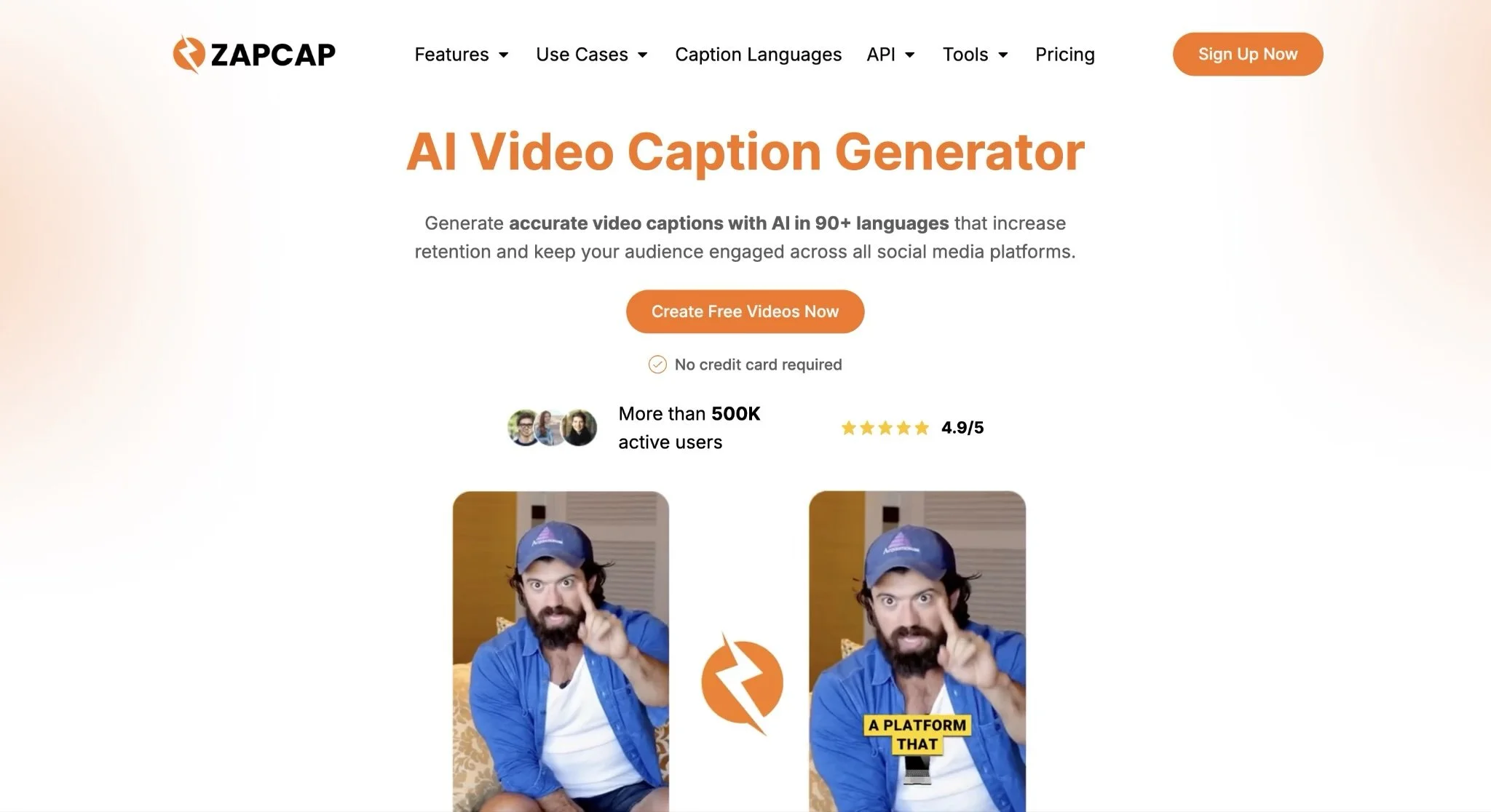
What Does ZapCap Offer?
ZapCap is an AI-driven video editing platform built around one clear goal: making professional-quality video output accessible without the technical overhead. They automate captions in 90+ languages at 99% accuracy, add auto B-roll, generate descriptions, cut silence and filler words, and apply trendy transitions, all from a single platform. Over 500K active users trust the tool, including creators like Ali Abdaal, Vanessa Lau, and Grant Cardone. That kind of adoption from high-profile names isn't accidental.
What Makes ZapCap Stand Out for Submagic Alternatives for Video Captions?
ZapCap directly solves the accuracy problem that trips up most caption tools, particularly for creators working across accents, fast speech, or multilingual content. Their combination of 99% caption accuracy, support for 90+ languages, and custom template creation is genuinely hard to match at this price point.
User Reviews, Summarised:
ZapCap holds a 4.9/5 rating, and the feedback patterns are consistent: users flag fast processing speeds and caption accuracy as the main reasons they stayed. Collectively, creators using the platform have saved over 175,000 hours of editing time, which tells you the automation is actually working. Those numbers reflect a tool people return to, not just try once.
CapCut - Best for Social Media Content Creators and Video Marketing
What Does CapCut Offer?
CapCut is a video and image editing platform developed by ByteDance, launched in 2020 and now available across web, desktop, and mobile. Their feature set covers auto-subtitle generation, text-to-speech, background removal, and image enhancement, all wrapped in an interface designed for speed. The freemium model makes it one of the more accessible entry points in the space, which is a big part of why it's become a default tool for social media creators who need fast turnarounds without learning a complex editor.
What Makes CapCut Stand Out for Submagic Alternatives for Video Captions?
CapCut's availability across platforms means creators can start a project on their phone and finish it on desktop without losing any work, which is a practical advantage most dedicated caption tools don't offer. Their auto-subtitle generation, paired with an extensive template library, gives creators a workable path to visually engaging captions without spending time on manual styling.
User Reviews, Summarised:
Specific published ratings weren't available in the research for this entry, but CapCut's adoption among short-form content creators speaks clearly enough. Reviews across social channels consistently highlight the template variety and how fast the AI features process footage. The free tier gets mentioned frequently as the main reason people try it first.
Kapwing - Best for Content Creators, Marketing Teams, and Educational Institutions
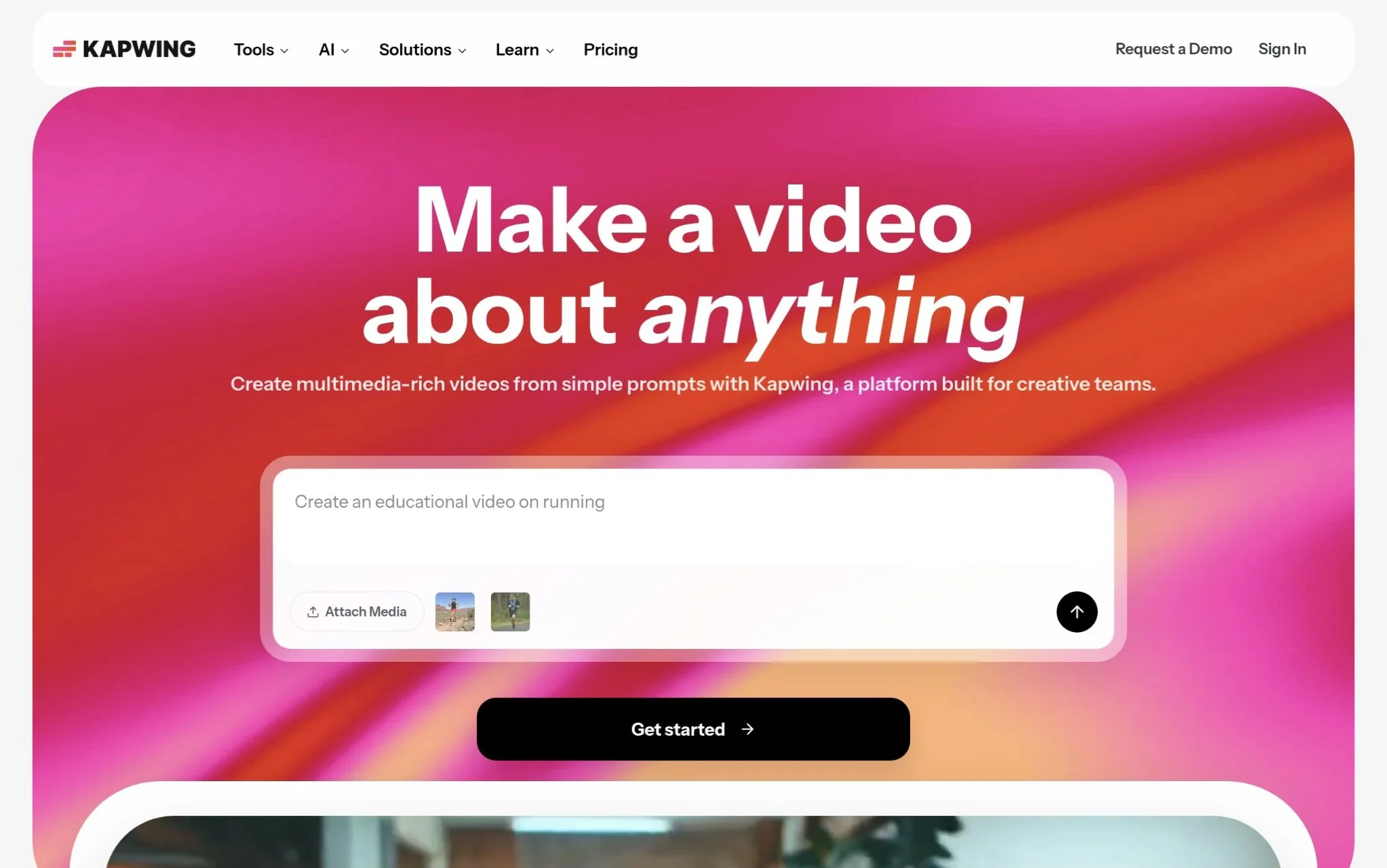
What Does Kapwing Offer?
Kapwing is a browser-based video editing platform founded in 2017 by engineers Julia Enthoven and Eric Lu, and it now serves over 35 million creators worldwide. It runs entirely in the cloud, so there's no software to install, which matters a lot for teams working across different devices and time zones. Their features include automatic subtitles, multilingual dubbing across 40+ languages, and video generation from text. Revenue hit $10.4M in 2024, up 68% from the year before, and that kind of growth tells you the product is holding up against real user expectations.
What Makes Kapwing Stand Out for Submagic Alternatives for Video Captions?
Kapwing's browser-native approach removes one of the biggest friction points in collaborative video work: the installation and compatibility headache. Their automatic subtitle feature combined with multi-language dubbing makes it a strong fit for teams producing content across markets where caption sync and dialect accuracy really matter.
User Reviews, Summarised:
Kapwing carries a 4.9 rating from over 5,000 Google reviews and a 4.4 on Capterra from 207+ reviews, and both pools tell a similar story. Users point to the ease of getting started and the quality of the AI subtitle output as standout elements. Marketing teams and educators are the most vocal advocates, which tracks with the product's collaboration-first design.
Maestra - Best for Multilingual Video Content Creation and Accessibility
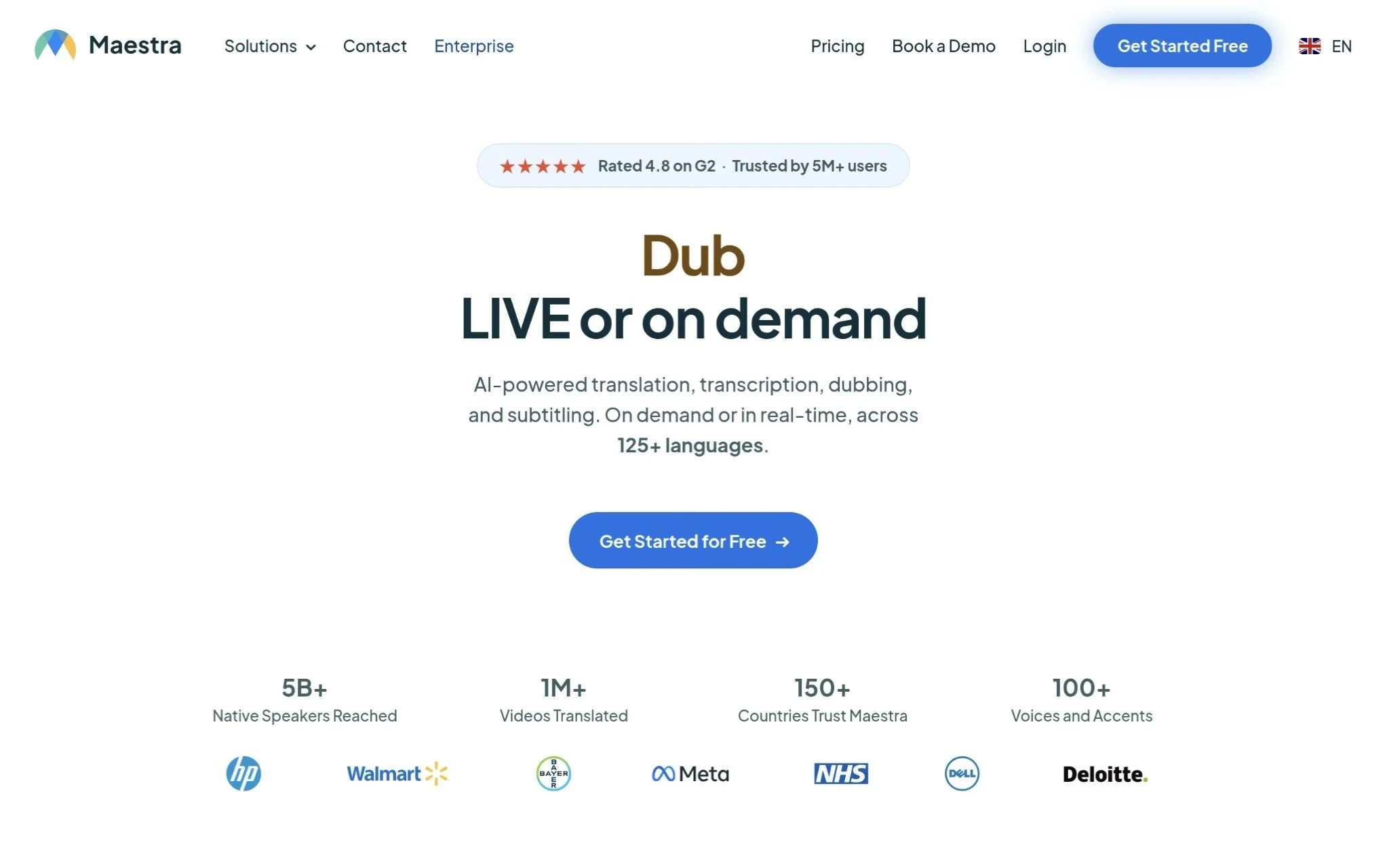
What Does Maestra Offer?
Maestra is a New York-based AI platform founded in 2018, focused on translation, transcription, dubbing, and subtitling across 125+ languages. It automates content accessibility using speech recognition, letting users generate subtitles, translate audio and video, and add voice-overs without manual work. With 5M+ users across 150+ countries and over 1 million videos translated, their global footprint is real. Pay-as-you-go pricing starts at $7.67 per audio hour on the Lite plan, which makes it a practical option for creators who don't need a monthly commitment right away (not the cheapest per-hour rate out there, but the flexibility helps).
What Makes Maestra Stand Out for Submagic Alternatives for Video Captions?
Maestra tackles one of the toughest problems in video captioning, which is maintaining accuracy across multiple languages at scale, and their integrations with YouTube, TikTok, and Zoom make it easy to fit into an existing workflow. For creators distributing content globally, the combination of 125+ language support and collaborative team features is a rare pairing in this category.
User Reviews, Summarised:
Maestra holds a 4.8 on G2, and reviewers consistently call out ease of use and multilingual transcription accuracy as the top reasons they recommend it. Users working on international content projects are the most enthusiastic. The ability to handle multiple languages without the quality dropping off is what keeps coming up in the reviews.
Descript - Best for Audio and Video Content Creators, Podcasters, and Enterprises
What Does Descript Offer?
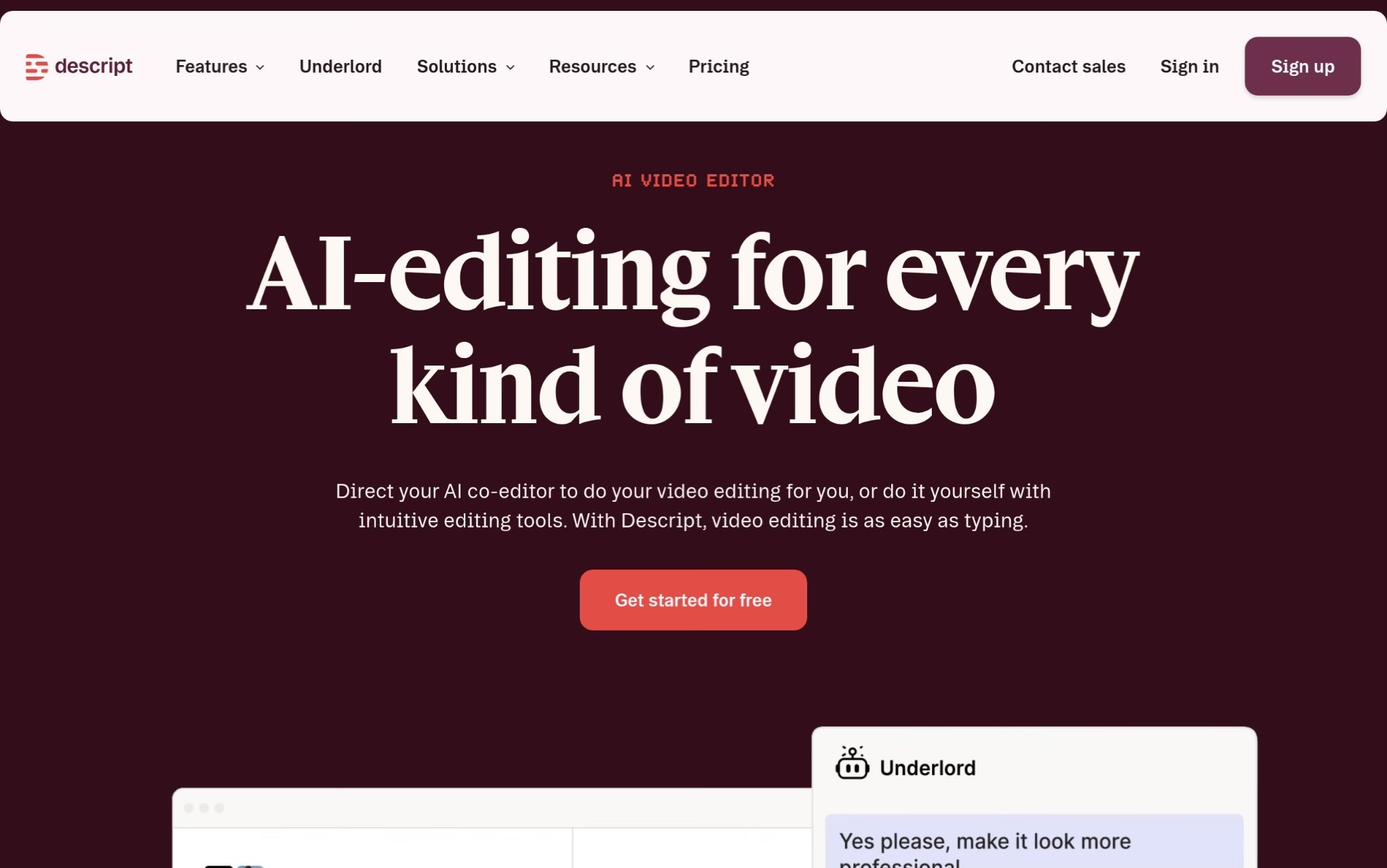
Descript is a San Francisco-based platform founded in 2017 that approaches video and audio editing through a text-based interface. Instead of scrubbing through a timeline, users edit content by editing the transcript, which is a different way to work. Their AI co-editor, called Underlord, handles tasks like removing filler words, generating captions, and producing AI speech synthesis. The platform covers podcasting, screen recording, transcription, and content creation, making it a broad tool rather than a narrow one. Enterprise customers across healthcare, financial services, and media use it, which shows it scales past the solo creator use case.
What Makes Descript Stand Out for Submagic Alternatives for Video Captions?
The text-based editing model is a real time-saver for anyone who finds traditional timeline editing slow: if you can edit a document, you can edit a video here. That approach also makes caption corrections significantly faster, since fixing a transcription error means editing one word in the transcript rather than scrubbing to find the right frame.
User Reviews, Summarised:
Published ratings weren't available for this entry, but Descript's enterprise adoption and consistent mentions across creator communities suggest the tool earns its reputation. Users who cover it tend to focus on how much faster the editing process feels once the text-based model clicks. The filler-word removal feature gets called out as a time-saver.
Vizard - Best for Content Creators, Marketing Teams, and Social Media Agencies
What Does Vizard Offer?
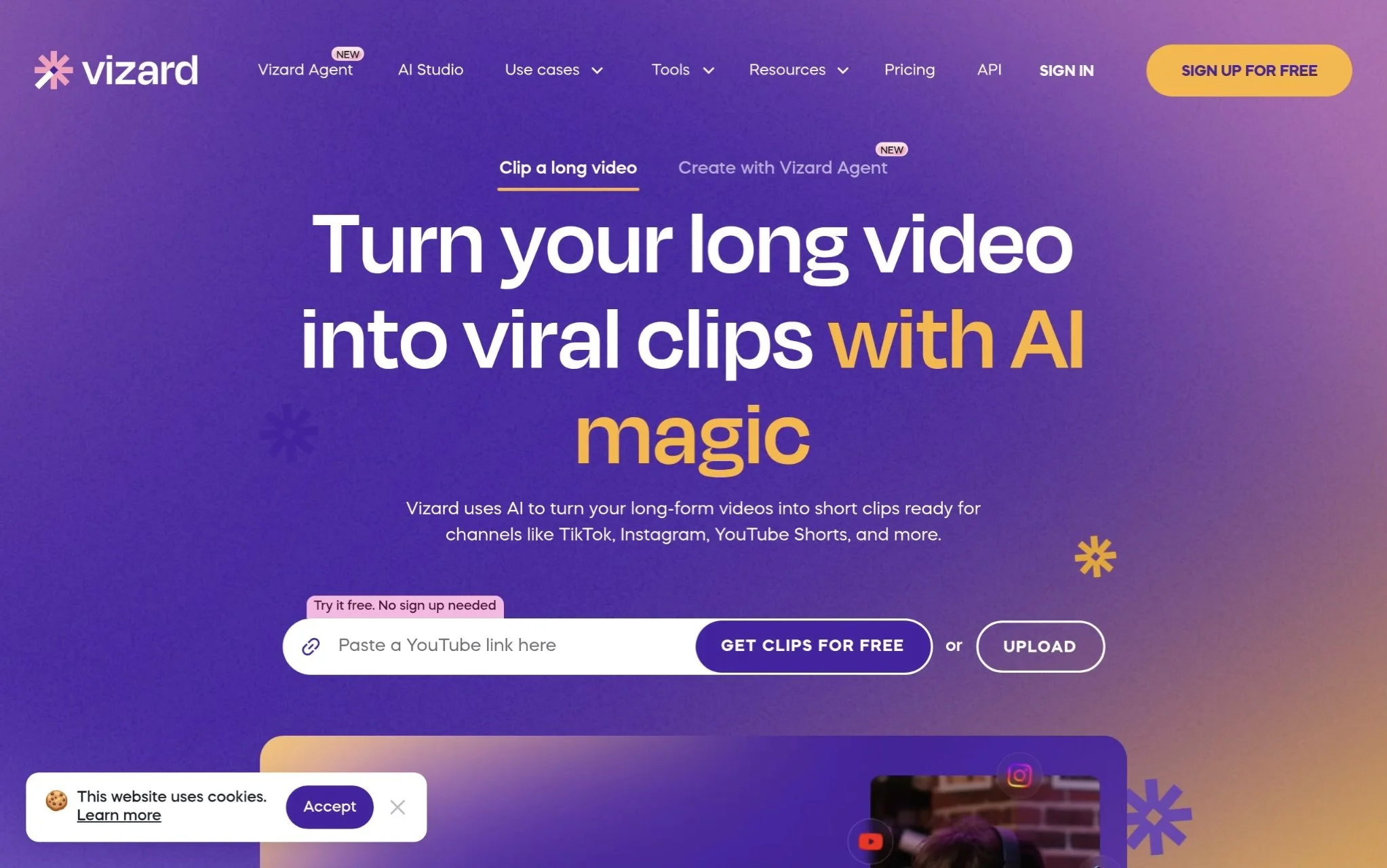
Vizard is a Palo Alto-based AI video editing platform founded in 2021 that specializes in turning long-form videos into short, social-ready clips. Their proprietary AI handles transcription, scene detection, intelligent reframing, and captioning, and it can generate dozens of clips from a single video almost instantly. Caption translation covers 100+ languages, and Team Workspace keeps collaboration organized across larger teams. They crossed $1M in annual recurring revenue as of December 2024, and now serve 10 million+ creators. Pricing starts at $14.50/month (not enterprise-level, but still a real budget line for smaller creators).
What Makes Vizard Stand Out for Submagic Alternatives for Video Captions?
Vizard's clip extraction AI doesn't just cut footage; it identifies which segments are actually engaging and builds clips around those moments, which removes a lot of the guesswork from short-form editing. For creators who need captions that sync tightly across rapid cuts and platform-specific formats, that kind of intelligent scene detection matters more than it looks on a feature list.
User Reviews, Summarised:
Vizard's 10 million+ user base gives some signal about adoption, even without a published rating in the research. From what creator communities say, the automated clip extraction and caption accuracy are the features people talk about most. The platform tends to get recommended for repurposing long-form content into TikTok and YouTube Shorts formats.
Choppity - Best for Content Creators and Podcasters Creating Short-Form Social Media Content
What Does Choppity Offer?
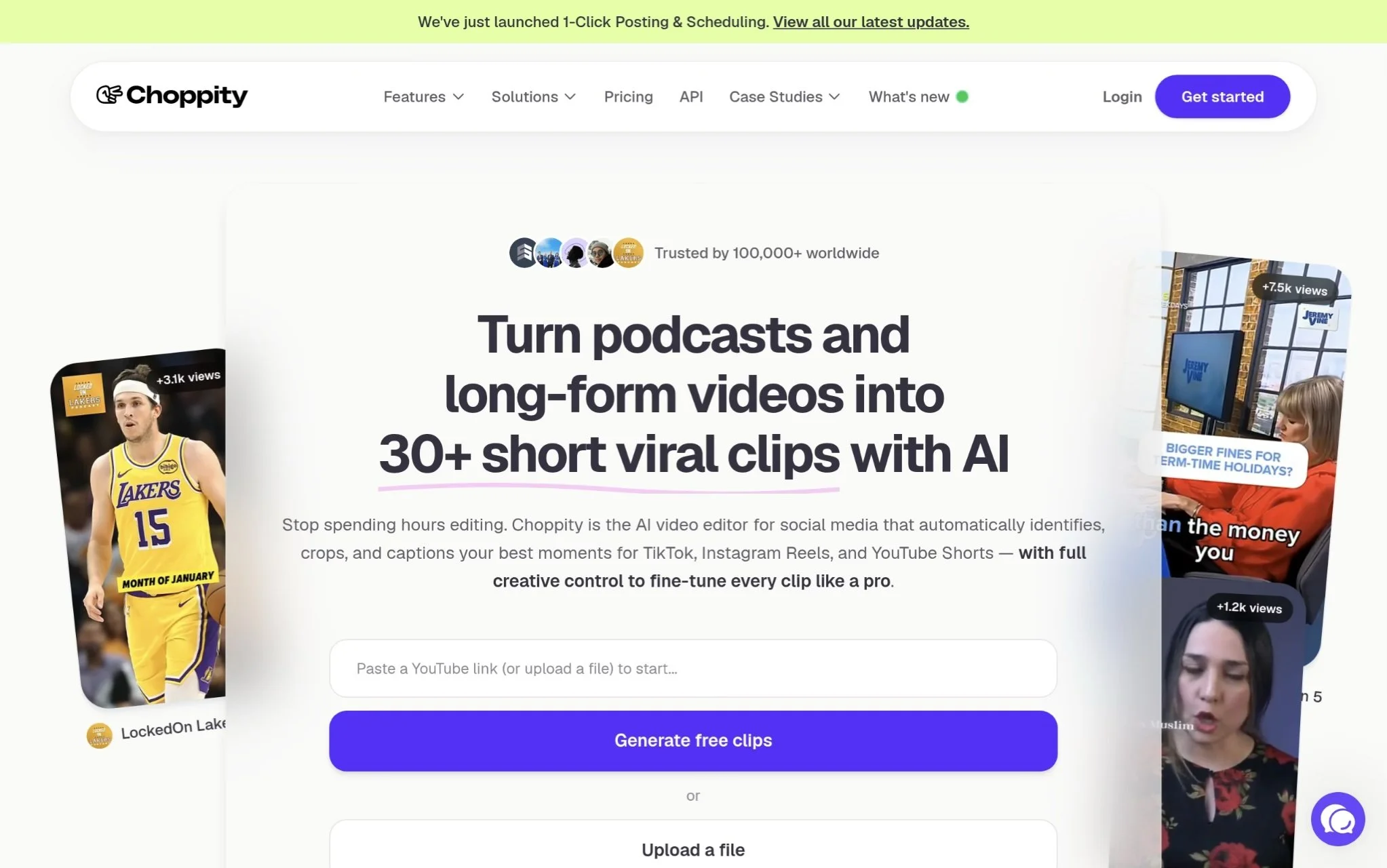
Choppity is a UK-based AI video editing platform founded in 2022, built for turning long-form content into short-form clips ready for TikTok, Instagram Reels, and YouTube Shorts. Their AI handles moment detection, automated captions, vertical reframing, and text-based editing. Direct YouTube URL input means creators can skip the download-and-upload cycle entirely. Over 100,000 users worldwide rely on it, and clients include LockedOn Podcasts and Southside Presbyterian Church, which shows it works across content types. The platform was acquired by Michael Wong, a creator with 400K+ followers, which is a decent validator of real-world utility.
What Makes Choppity Stand Out for Submagic Alternatives for Video Captions?
Choppity focuses tightly on the short-form workflow, so every feature, from moment detection to vertical reframing, is built around getting platform-specific, ready-to-post content out fast. For podcasters and creators who regularly produce long recordings and need captioned short clips without hours of manual work, that focus pays off in ways a general-purpose editor usually can't match.
User Reviews, Summarised:
Choppity doesn't have a published aggregate review score in the available data, but their documented case studies and 100,000+ active users give a reasonable confidence baseline. Users tend to highlight how much manual editing time the AI moment detection saves, especially for podcast-to-Reels workflows. From what community feedback suggests, the balance between automation speed and keeping creative control is what separates it from more rigid clip tools.
Vetting Process and Selection Criteria
Building a list of genuinely useful caption tools requires more than collecting names from the first page of search results. The research for this article started with a broad scan of video editing and captioning platforms mentioned across creator communities, software review directories, and industry coverage.
Identifying Information Sources and Collection Points
The initial pool was assembled by pulling platform names from multiple sources: G2, Capterra, Product Hunt, creator-focused YouTube channels, and official company sites. Platforms mentioned repeatedly across these sources, especially in the context of video captions or short-form content workflows, moved forward for closer review. Directories and category listings helped fill in gaps for smaller or newer tools that hadn't yet built a large review presence.
Candidate Evaluation and Filtration
From that longer list, platforms without verifiable user activity or published track records were set aside. Review patterns were analyzed to check whether positive ratings were consistent across platforms or concentrated on just one. Tools with thin or unverifiable review histories, regardless of how polished their marketing sites looked, didn't make the final cut.
Checking Accuracy Before Recommendation
Each platform's stated features were cross-referenced against real user feedback to catch gaps between what's claimed and what creators actually experience. Language support numbers, accuracy claims, and processing speed descriptions were all checked against review language to see whether users confirmed or contradicted the official positioning.
Industry Reputation and Recognition
Platforms with mentions in creator communities, coverage in video production publications, or adoption by recognized content professionals were weighted more favorably. Organic mentions, case studies with named clients, and recognition from independent sources all factored into the reputation assessment.
Submagic Alternatives for Video Captions Track Record Check
Each tool was checked for evidence of capability in caption creation. Dedicated feature pages, verified reviews mentioning caption accuracy, and case studies showing real captioning results were prioritized. Tools that could only demonstrate general editing capability without specific captioning track records were ranked lower or excluded.
What Matters When Selecting Submagic Alternatives for Video Captions
Picking a caption tool isn't just about finding one that works. It's about finding one that keeps working as your content volume, language needs, and platform requirements grow. Here are the factors worth weighing carefully.
Industry/Domain Experience: Look for tools with a clear track record in video captioning. General editing platforms can handle captions, but purpose-built tools tend to handle edge cases, like fast speech or non-standard accents, much better.
Features and Service: Caption styling, animation presets, multi-language support, export format compatibility (SRT, VTT, MP4 burn-in), and silence removal all matter depending on how you work. Match the features to your actual workflow, not just the biggest number of features.
Pricing Structure: Monthly subscriptions, pay-as-you-go rates, and per-video pricing all behave differently at scale. A tool that looks cheap for occasional use can get expensive fast when you're processing dozens of videos a week.
Results Measurement: Good tools give you ways to assess output quality, whether through accuracy settings, preview modes, or manual correction workflows. If you can't check the caption quality easily before exporting, that's a problem.
Industry Knowledge and Compliance: Caption tools that support ADA and WCAG 2.1 captioning accessibility standards matter if your content reaches broad or regulated audiences. Accessibility isn't just good practice; it's increasingly expected.
Takeaways
Choosing the right tool from this list comes down to what your actual production looks like. High-volume creators who need multilingual accuracy at speed will find ZapCap and Maestra doing the heavy lifting well. Teams focused on short-form repurposing will get more out of Vizard or Choppity. The broader tools like CapCut and Kapwing cover more ground but with less caption-specific depth. As AI captioning keeps improving, the gap between tools will narrow, but accuracy and language range will stay the deciding factors for serious creators.






![Project Spotlight: pifmgr.dll’s [M]ETAL✨ @pifmgr.dll is a digital artist working at the intersection of audiovisual design, 3D experimentation, and atmospheric world-building. His project [M]ETAL explores metal both as a physical material and a](https://images.squarespace-cdn.com/content/v1/63b2fdbe4376de5bfdc6771f/1779108338452-QO04Q3MMJ3VMU8PJV1MD/image-asset.jpeg)