For Digital Artists Dealing With Screen Glare: A SmartWings Smart Shades Review
If you’re a digital artist, you probably know the struggle: you want natural light in your workspace, but the moment the sun hits your monitor, your entire screen turns into a mirror.
Glare is one of those small things that slowly drives you insane while you’re working. You’re adjusting your screen brightness, closing the blinds halfway, standing up every 10 minutes to fix the light… it becomes a whole routine.
So when we had the chance to try motorized shades from SmartWings, I was curious whether they could actually make a difference in a studio environment. After using them for a bit, I can honestly say: they’re one of those upgrades you don’t realize you needed until you have them.
First Impressions
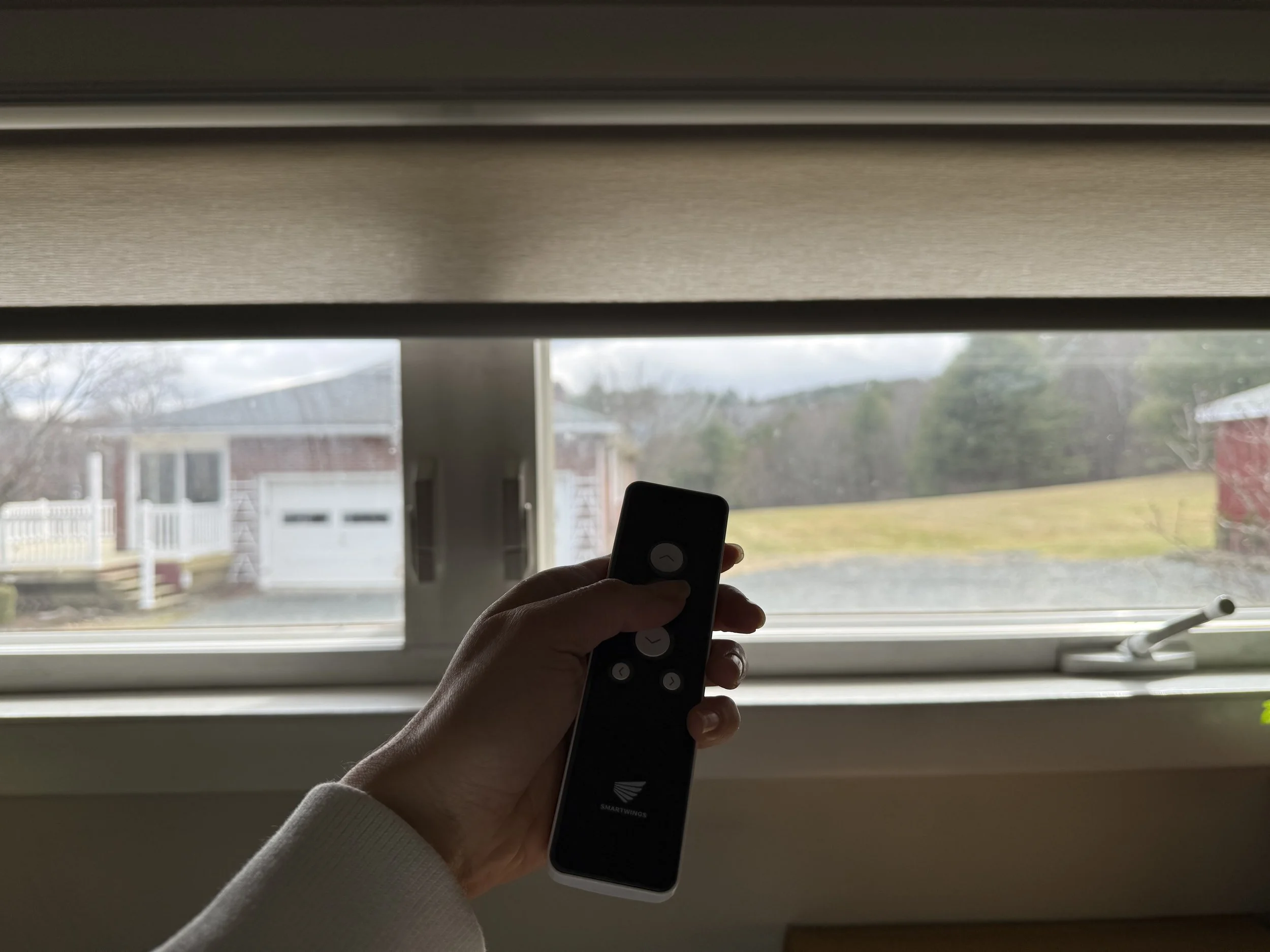
I chose the SmartWings Motorized Light Filtering Roller Shades in the Safari fabric (70% blackout) in the cream color.
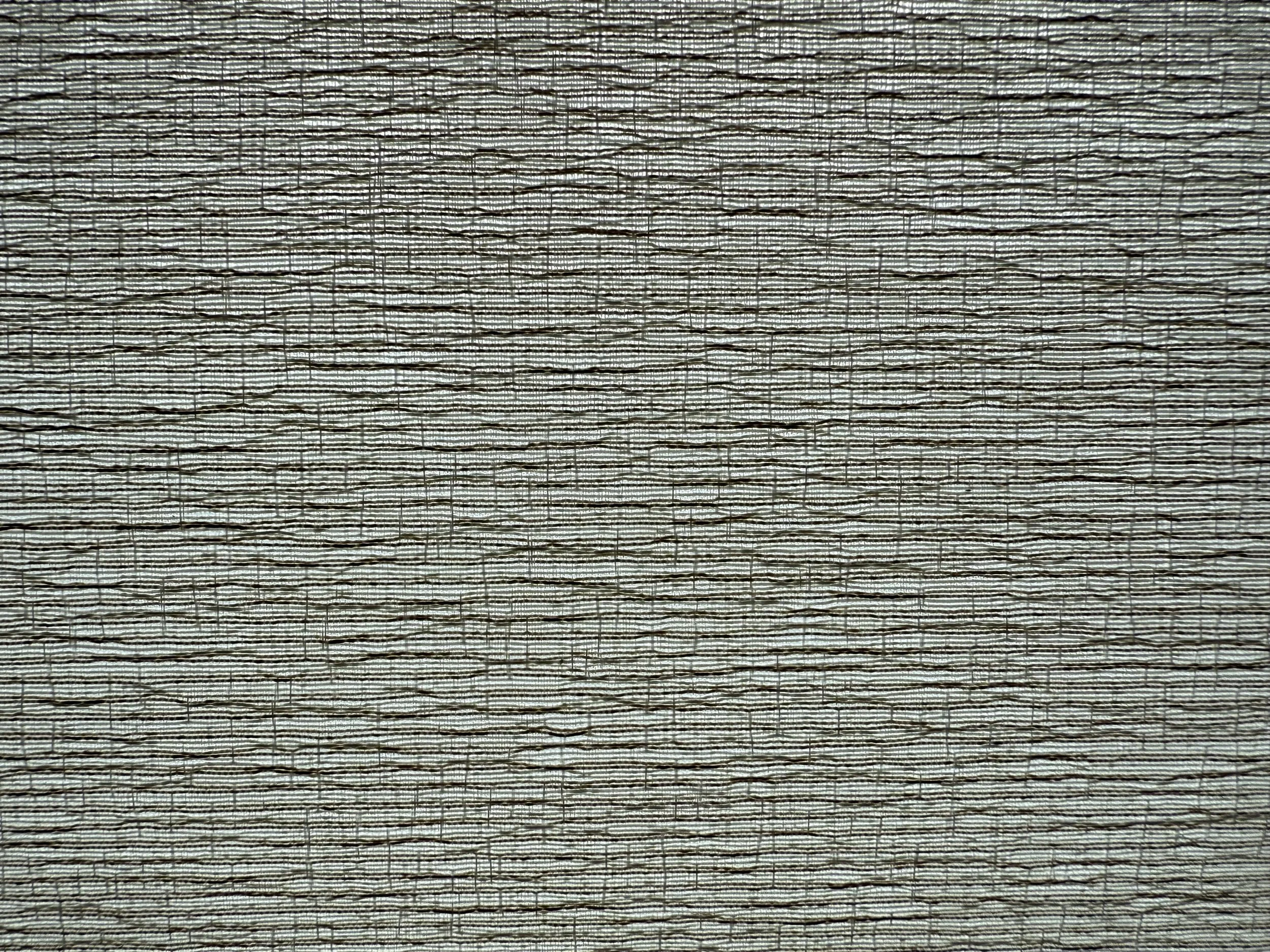
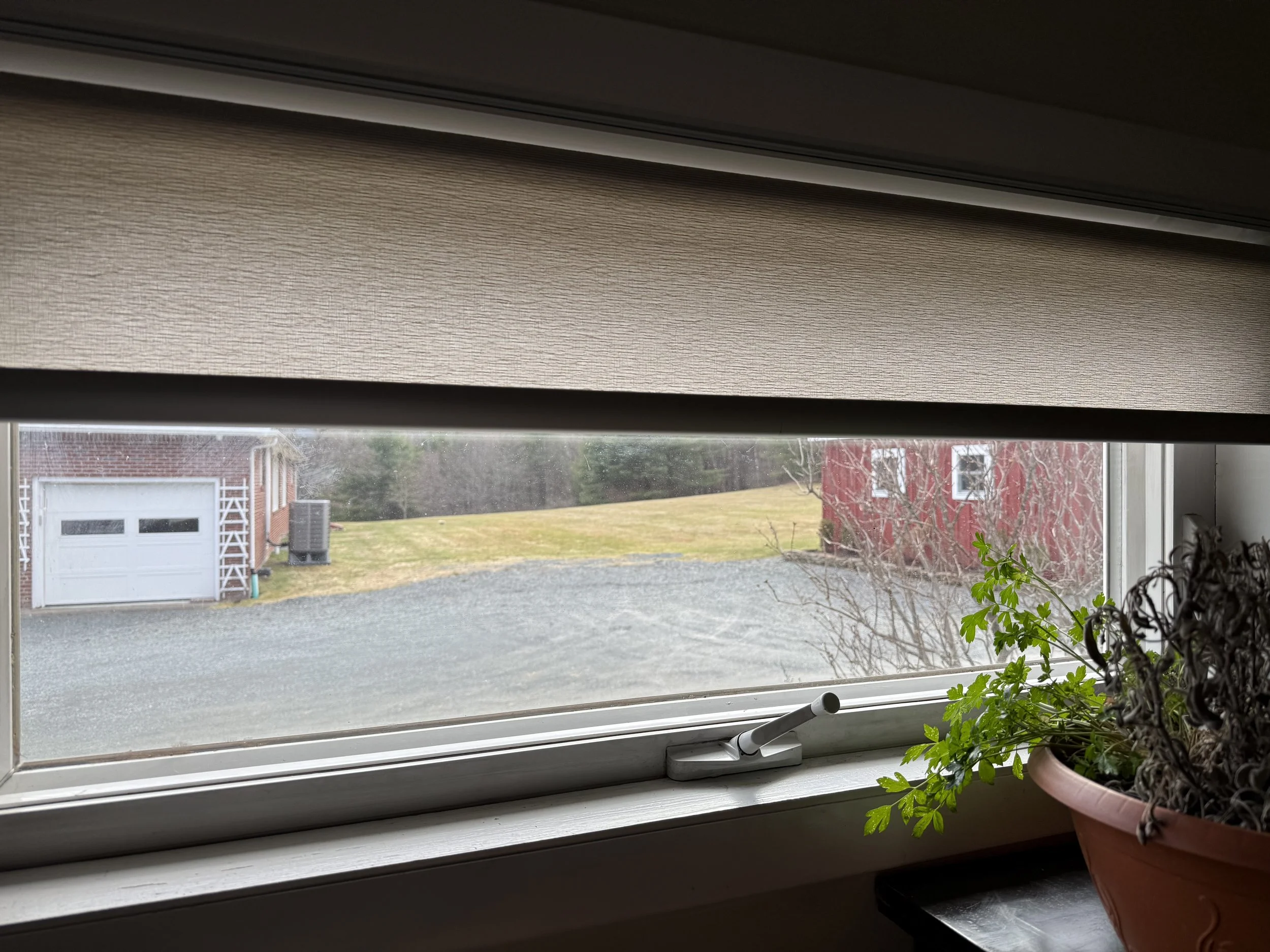
The fabric itself is really beautiful. Safari is woven from three different colored threads, so instead of looking flat or plasticky like some roller shades, it has a subtle texture and depth to it. The pattern reminds me a little of carved stone or marble — soft, natural, and pretty.
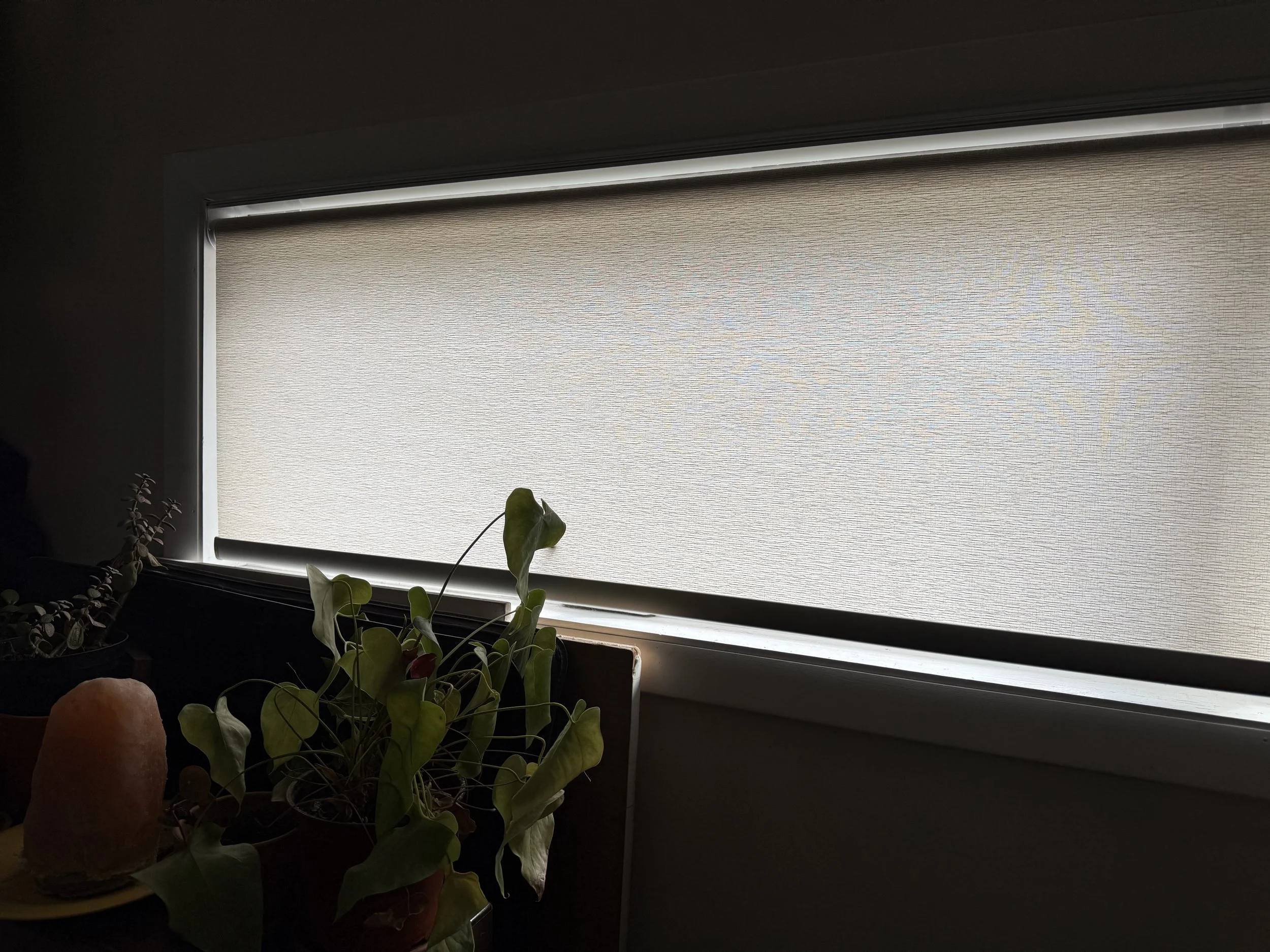
Since I went with the cream color, it keeps the room bright while still diffusing harsh sunlight. For digital work, this is actually ideal. You get soft ambient light without the direct glare hitting your screen.
A Big Win for Artists: Controlling Screen Glare
For artists working on a computer or tablet, lighting matters a lot.
Direct sunlight can completely wash out color on your monitor, make reflections unbearable, and force you to constantly reposition yourself just to see what you're doing.
The 70% light filtering on these shades turned out to be a sweet spot. They reduce glare significantly while still letting in enough daylight so the studio doesn’t feel dark or closed off.
Instead of constantly adjusting blinds throughout the day, I can just tap the remote and slightly lower them until the light is perfect for working.
It’s one of those small quality-of-life things that makes a studio feel much calmer and more controlled.
Custom Sizes (Even for Weird Windows)
If your studio has odd window shapes or sizes, don’t worry.
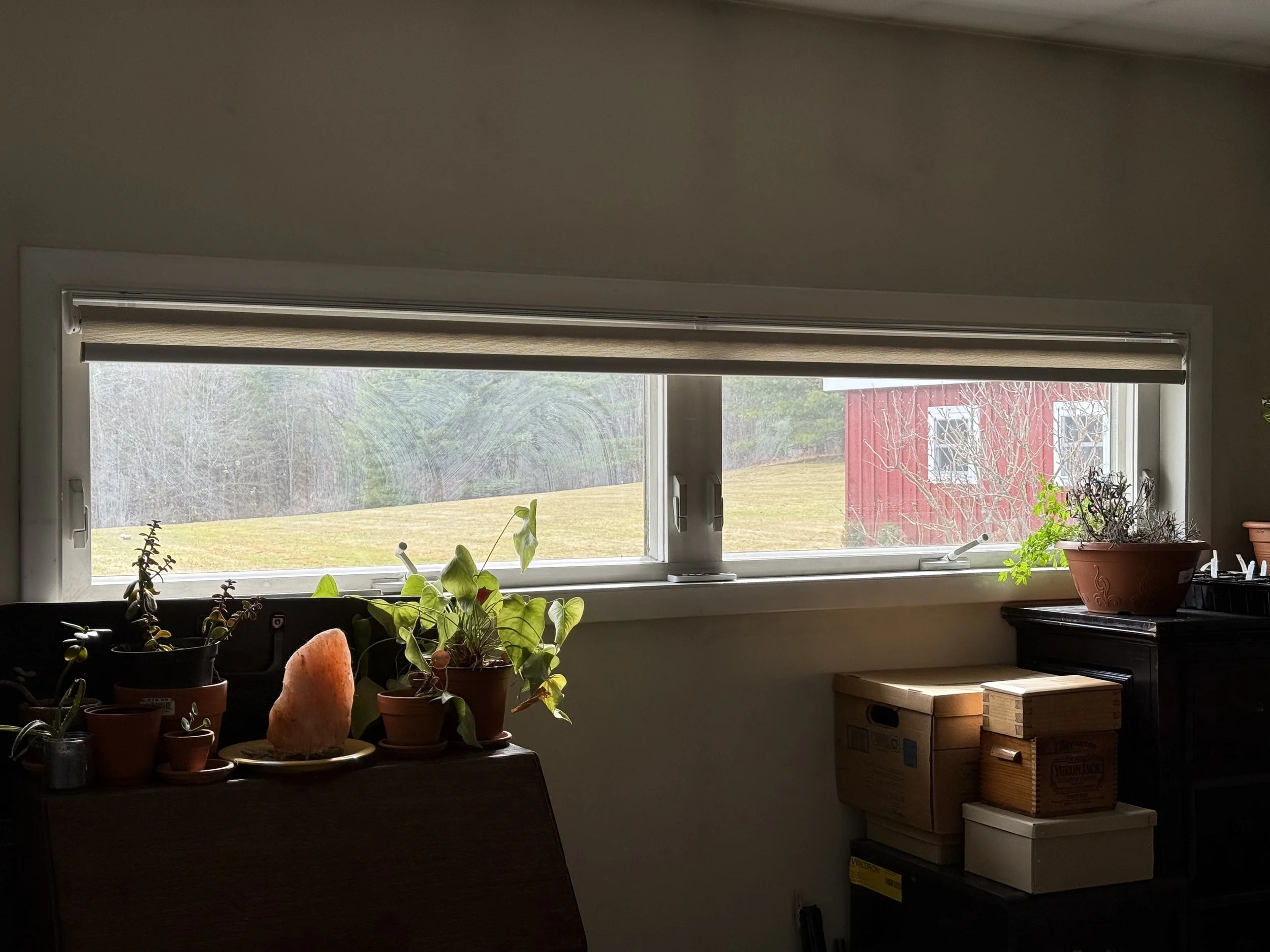
SmartWings lets you customize the shades down to fractional inches for both width and height. They basically produce them specifically for your window frame.
Our windows are definitely not standard (you’ll see in the photos), but the shades fit perfectly because of this.
Smart Features Without the Complication
These shades are battery-powered with a rechargeable Li-ion battery, so there’s no hardwiring involved.
Charging is simple with a USB-C cable, and the battery lasts around six months per charge.
You can also add a solar panel for a small extra cost, which I actually love as an option. It sits hidden behind the roll and charges the battery from sunlight, so you barely have to think about it.
The motor options also support a lot of smart home platforms if you’re into that sort of thing.
Depending on the motor you choose, they can integrate with systems like:
Apple HomeKit
Amazon Alexa
Google Assistant
Samsung SmartThings
Home Assistant
Hubitat
The newer Matter motor uses Matter over Thread, which basically means faster response, stable connections, and better compatibility with different smart home systems.
You can control the shades through apps, voice commands, schedules, or scenes. For example, you could set them to automatically lower when the sun hits your window in the afternoon — which honestly sounds amazing for a studio setup.
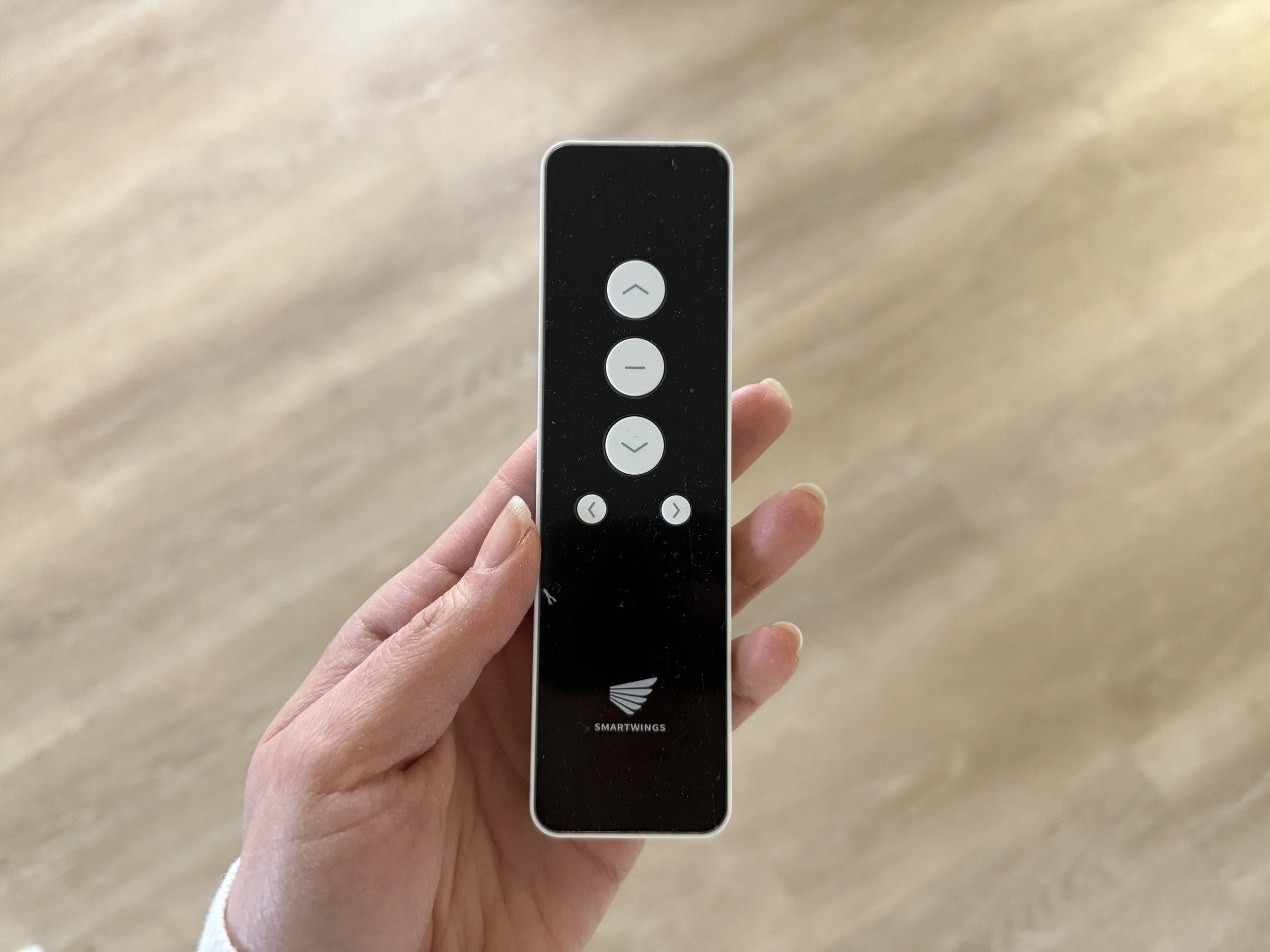
The Remote Control (Surprisingly Useful)
Even if you’re not using smart home integrations, the multi-channel remote works great.
If you have multiple shades in one room, the remote acts kind of like a walkie-talkie with different channels, letting you control them individually or together.
Press one button and all the shades adjust at once. Very satisfying.
Clean Look: No Chains, No Cords
One thing I really like visually is how clean these shades look.
There are no chains or cords, just a minimal roller with a smooth motorized movement. It makes the whole window area look a lot more modern and uncluttered.
You can also customize small design details like:
the valance
the bottom bar
whether the shade rolls forward or backward
whether the motor sits on the left or right side
None of these choices are huge individually, but together they let you fine-tune the shade to fit your space exactly.
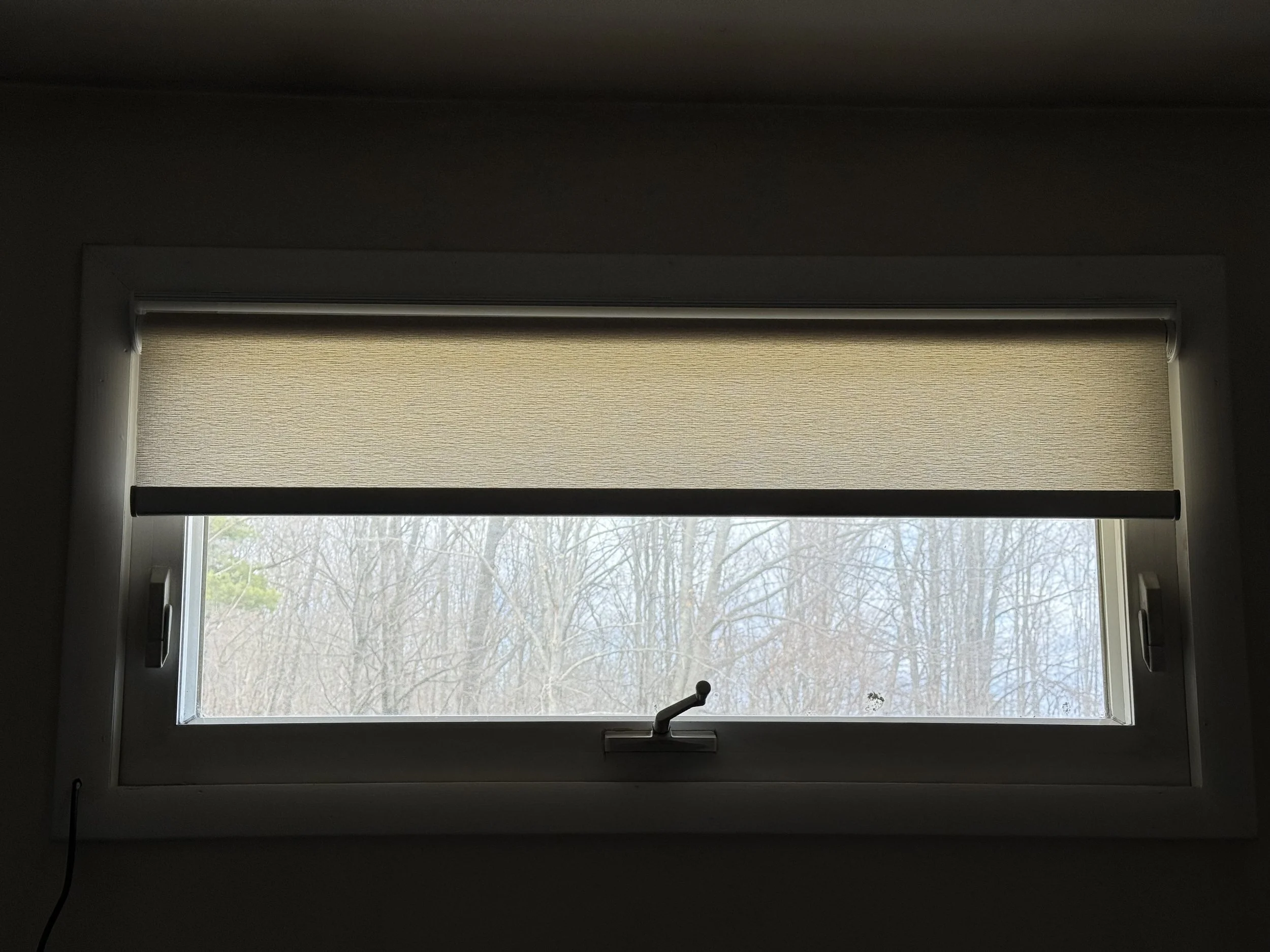
Installation (About 10 Minutes)
Full transparency: my husband installed them.
But according to him, it was extremely easy. Here's what he said:
“Extremely easy install. They make you do almost nothing. The brackets are very intuitive — if you measured correctly they pop right into place. All you really have to do is screw in the brackets and the shades snap right in. All you need is a drill and a screwdriver. The only thing to be careful about is measuring correctly, but they provide a clear illustrated guide for that.”
In total it took about 10 minutes to install both shades.
Final Thoughts
For digital artists, lighting control is one of those things that quietly affects your entire workflow.
Too much sunlight and your screen becomes unusable. Too little and your workspace feels gloomy.
These shades hit a really nice balance. They reduce glare, soften harsh daylight, and give you quick control over your studio lighting without interrupting your work.
Plus, the motorized feature is honestly just fun.
It’s easy to see why SmartWings has become North America’s best-selling smart blinds brand. The customization, clean design, and smart features make them feel like a thoughtful upgrade rather than just another window covering.
If you spend long hours working on a computer or drawing tablet, it’s one of those studio improvements that makes your daily workflow a little smoother.
We share works by digital artists as well as digital arts exhibitions, events, and open calls daily on Instagram — follow us for more and subscribe to our newsletter so you don’t miss new blog posts.




![Project Spotlight: pifmgr.dll’s [M]ETAL✨ @pifmgr.dll is a digital artist working at the intersection of audiovisual design, 3D experimentation, and atmospheric world-building. His project [M]ETAL explores metal both as a physical material and a](https://images.squarespace-cdn.com/content/v1/63b2fdbe4376de5bfdc6771f/1779108338452-QO04Q3MMJ3VMU8PJV1MD/image-asset.jpeg)